Manage WhatsApp, Instagram, and Telegram in One Powerful AI CRM
Meet your customers wherever they chat — WhatsApp, Instagram, and now Telegram. Parlario brings every channel into one CRM, gives each one its own inbox, turns every conversation into a lead in your sales pipeline, and answers with an AI agent that uses only the knowledge you gave it — tested in an internal Lab before it ever talks to a real customer.
SecondsTime taken for a message to land in your inbox
6Simulated customers test your AI agent first
0–100Readiness score before the AI goes live
3 channelsWhatsApp, Instagram and Telegram, each through its official API
Phone · Tablet · Laptop
One Parlario. Every Screen You Own.
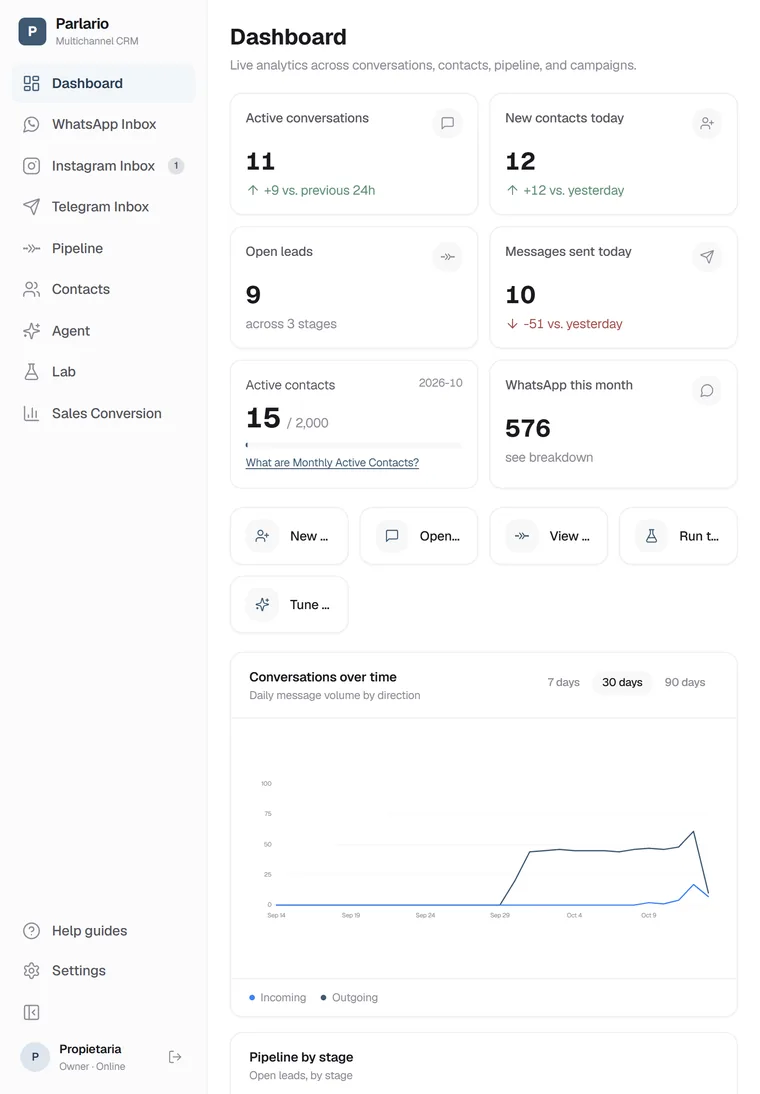
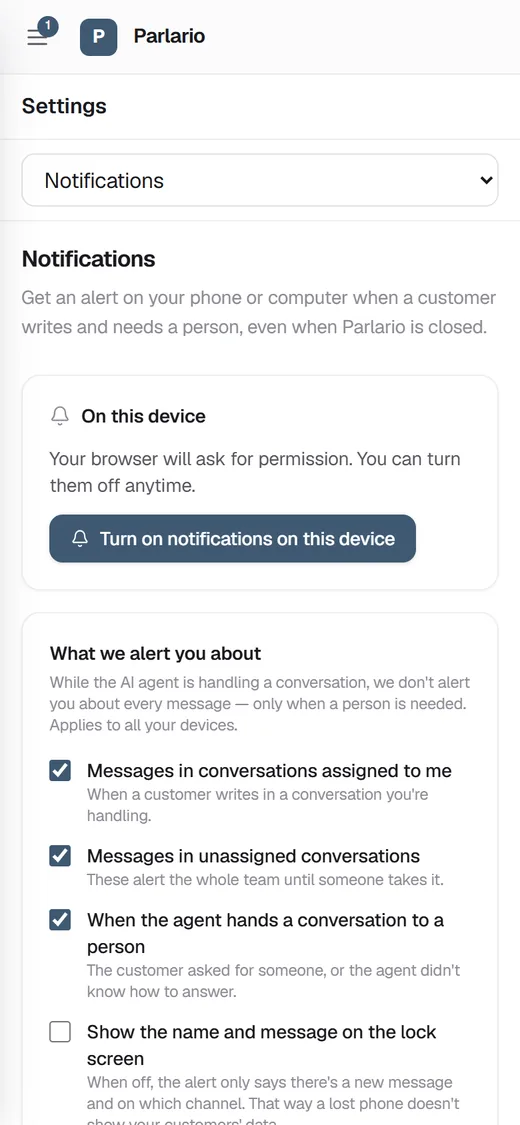
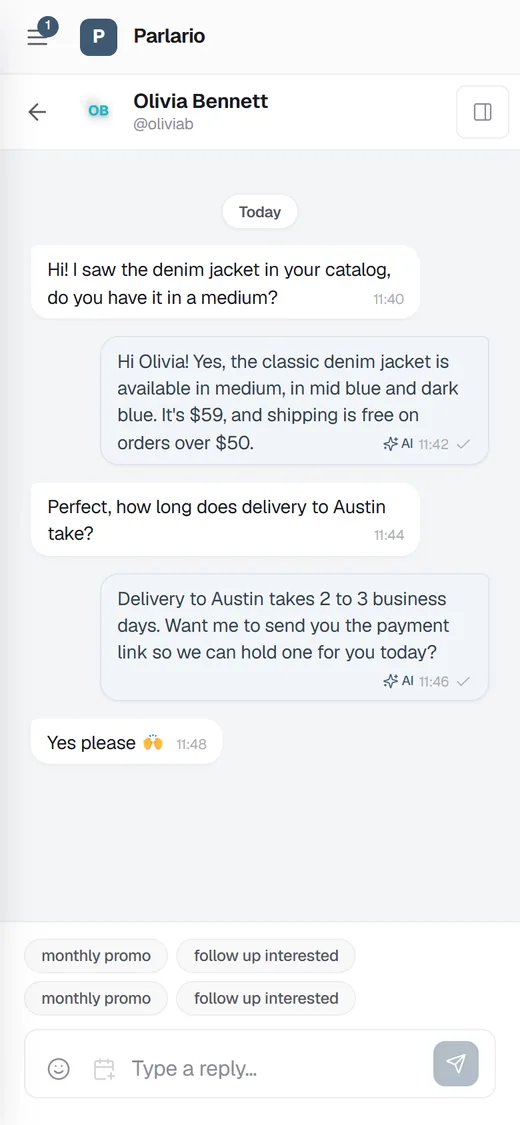
Answer a customer from your phone while you're out, move a deal forward on the tablet between meetings, and review the whole pipeline on your laptop — it's the same Parlario, live on every screen. Add it to your home screen like an app, and get an alert the moment a customer needs a person.
9:41
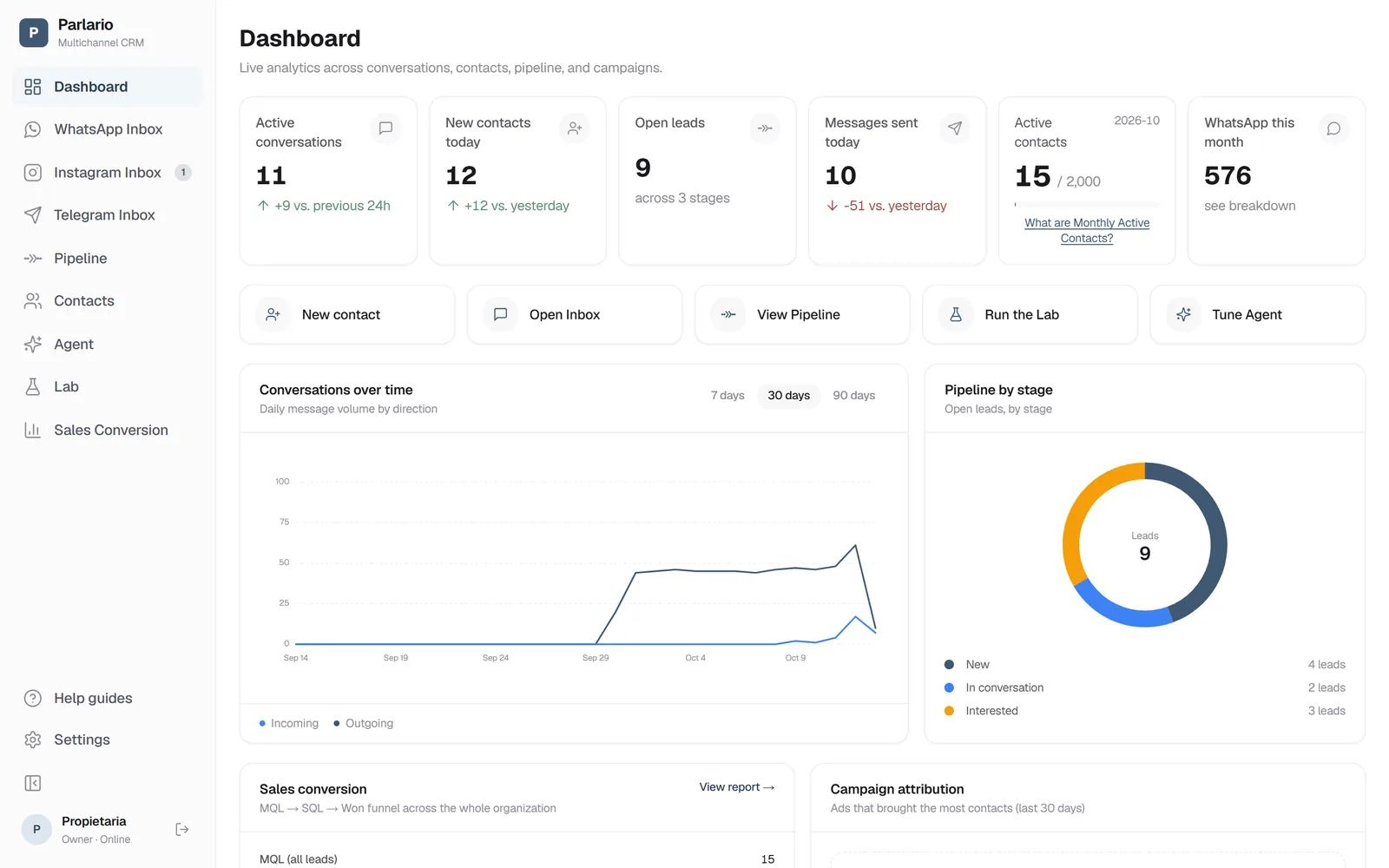
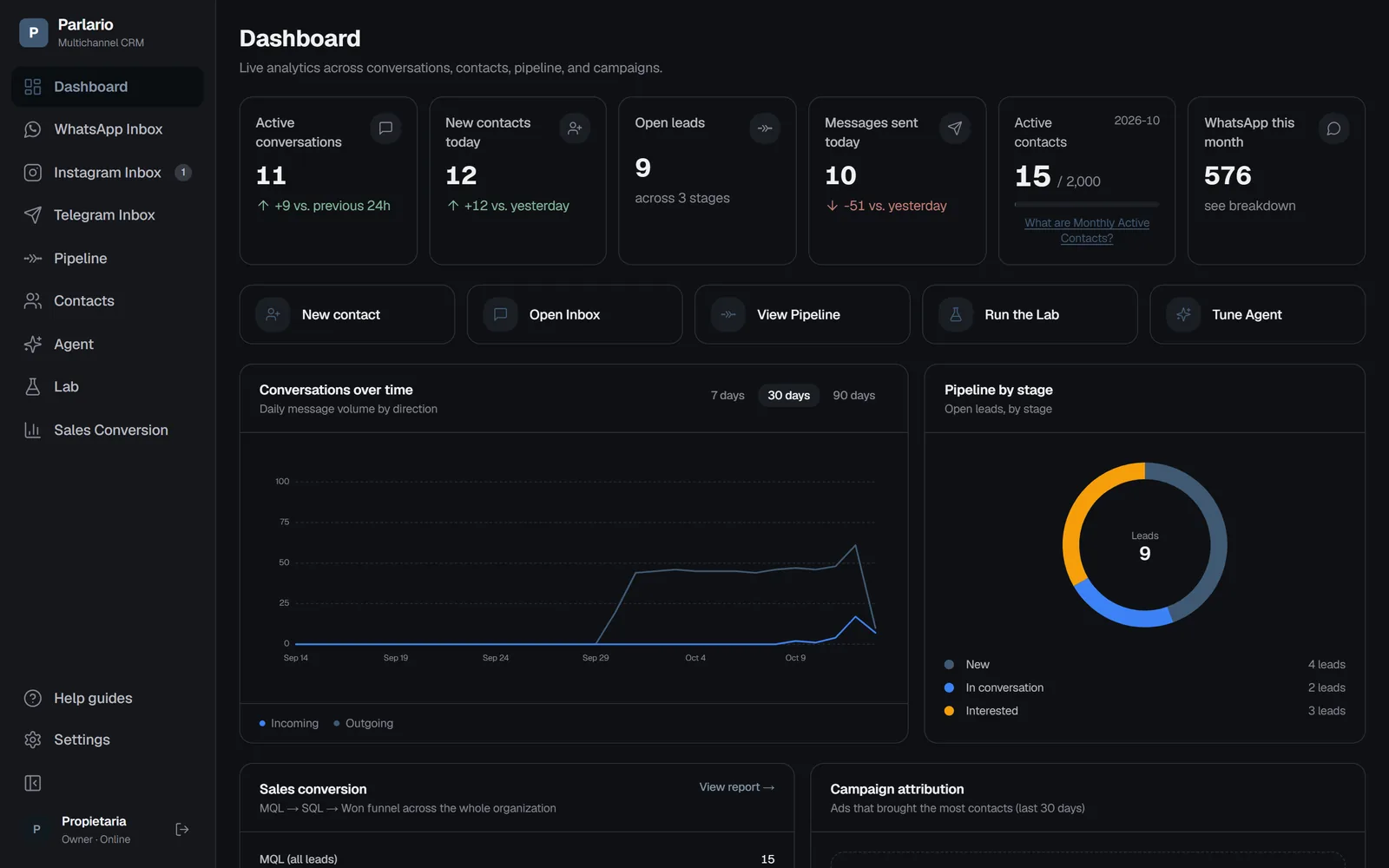
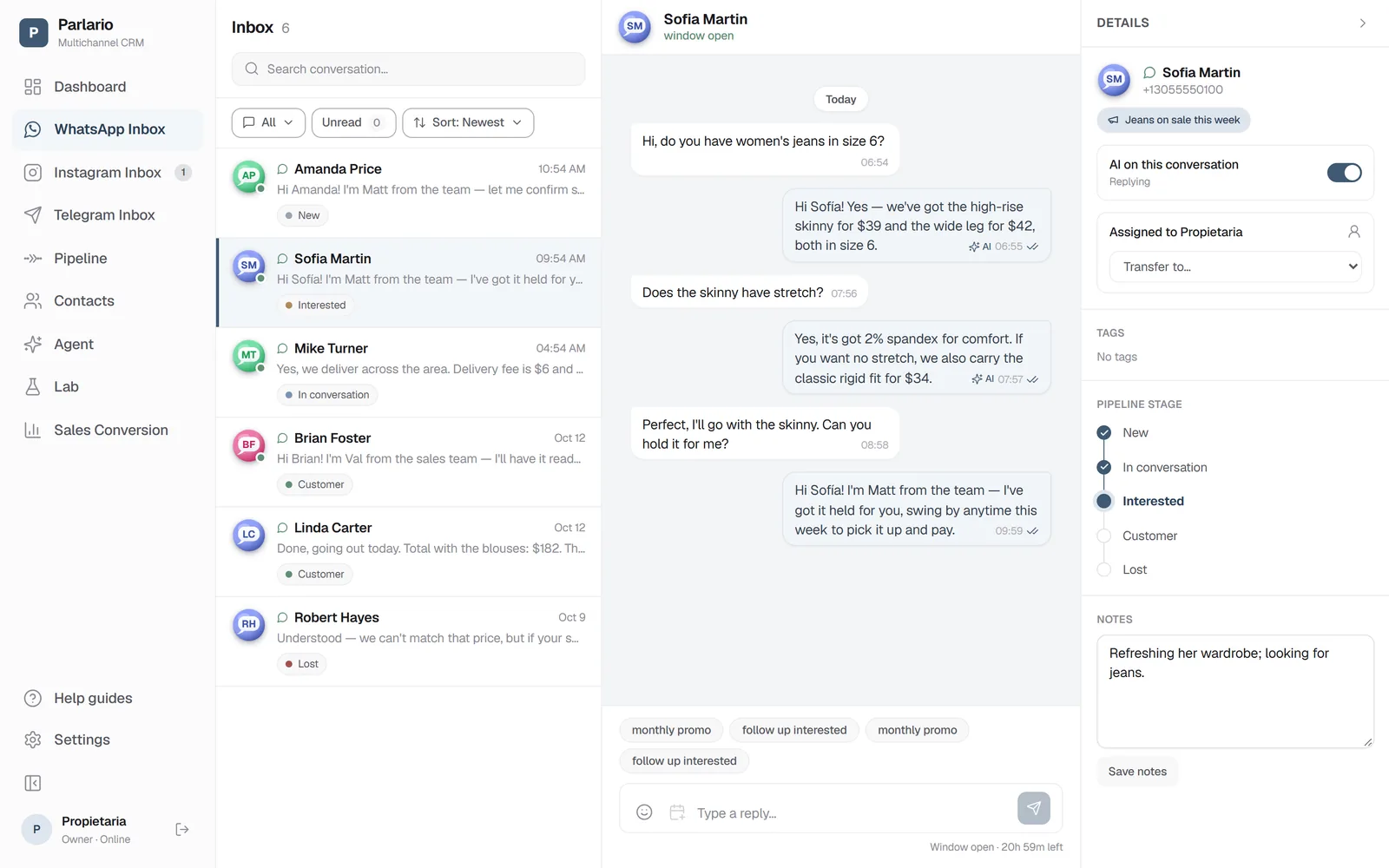
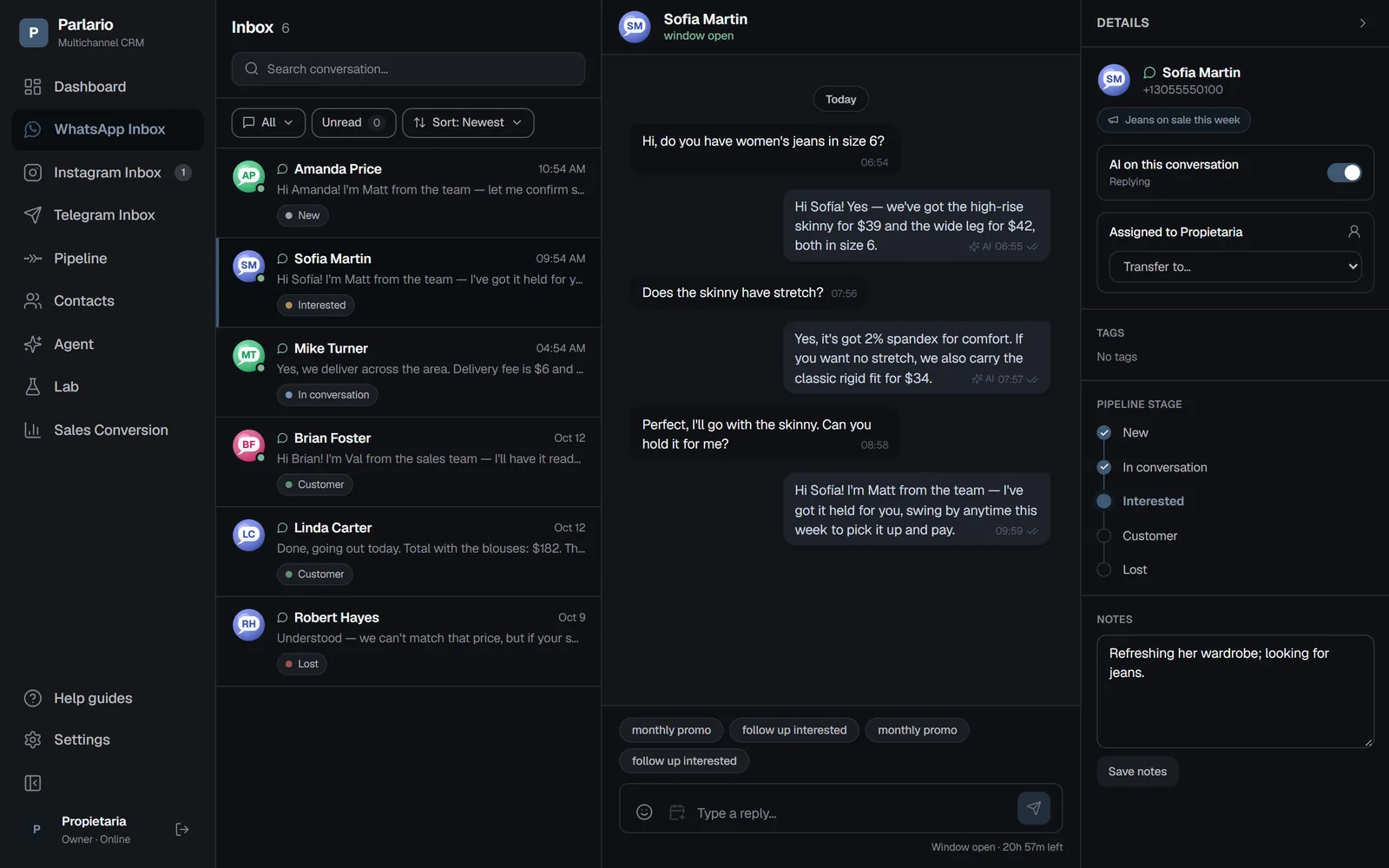
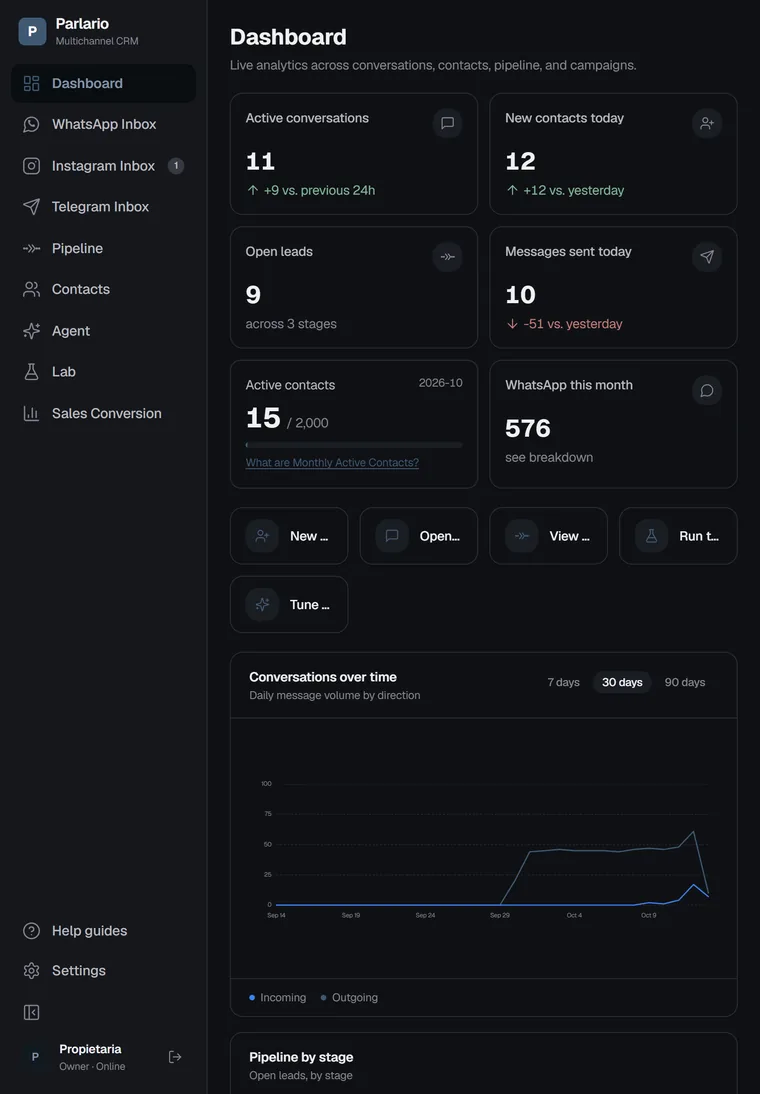
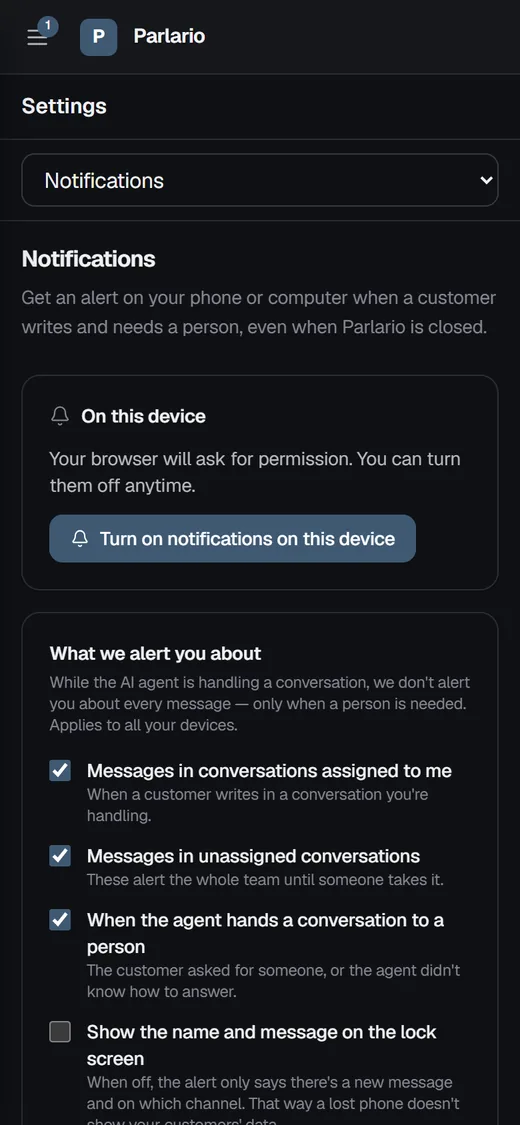
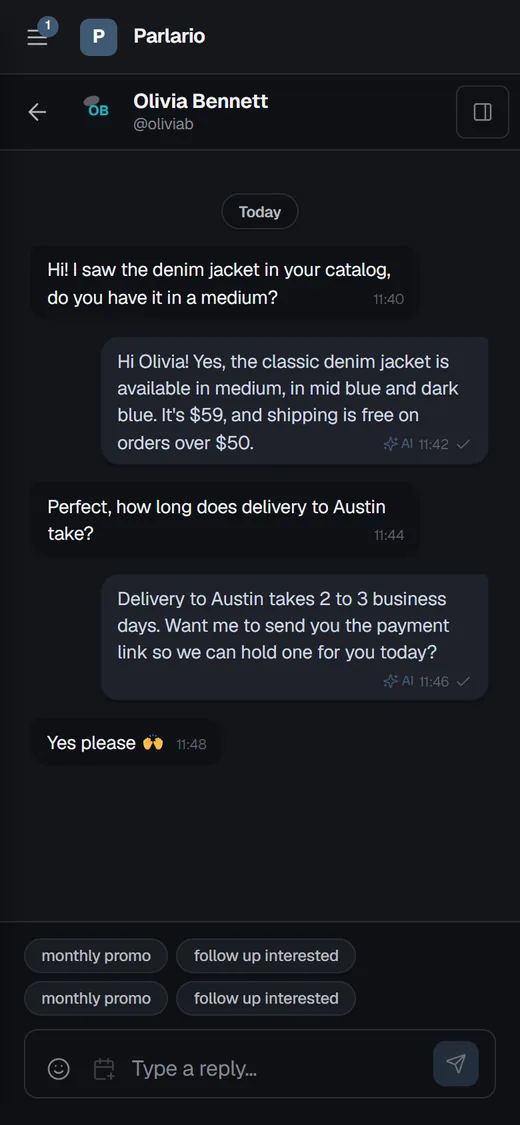
Real Parlario screens with demo data (fictional store and customers).
On your phone
Reply from the inbox one conversation at a time, with the AI agent's history right there.
Installs like an app
Add Parlario to your home screen: its own icon, full screen, no app store.
Alerts when a person is needed
Push notifications on your phone and computer — and nothing on the lock screen unless you want it.
Every Channel Your Customers Use, One CRM Behind Them
Meet your customers wherever they chat. WhatsApp, Instagram and Telegram feed one pipeline, one AI agent and one team — and your data is always exportable.
WhatsApp Business
Your number connected in minutes, with an AI agent that answers using your business's own knowledge.
24/7 AI agent
Keep using the WhatsApp Business app on your phone
Automatic template reminders
Campaign attribution and ROAS (Meta Ads)
Escalation to a human when needed
Real-time inbox
Voice notes: transcribed, spoken replies optional
Instagram Direct
Connect your professional Instagram account and answer DMs with the same AI agent.
24/7 AI agent (the same one as WhatsApp)
Automated DMs
Campaign attribution (Click to Instagram)
Escalation to a human when needed
Telegram
Create a bot in @BotFather, paste its token into Parlario, and answer your customers' private chats from your own Telegram Inbox.
24/7 AI agent (the same one as WhatsApp and Instagram)
No 24-hour reply window — answer anytime
Its own Telegram Inbox, switched on from Integrations
Escalation to a human when needed
Available on every plan, within its connected accounts
One CRM Behind Every Channel
Each channel keeps its own focused inbox; everything else is shared, so a lead is a lead wherever the conversation started.
One contact list and one sales pipeline
One AI agent and one knowledge base, tested once in the Lab
One team, with push alerts on phone and computer
Every conversation shows the channel it came from
Export Your Data, Attribution Included
Download your contacts to CSV with each one's source campaign and current pipeline stage.
Source campaign per contact
Current pipeline stage
Excel-compatible (UTF-8)
Import your list from CSV, on every plan
Available in Spanish and English
Campaign attribution, ROAS, reminders, export, and the sales-conversion report by salesperson are available on the Business and Advanced plans. Spoken agent replies use your included AI quota or your own OpenAI key — Gemini and OpenRouter don't support voice yet. Telegram is available on every plan and uses one of its connected-account slots.
9:41
The WhatsApp Inbox on the laptop and the Telegram Inbox on the phone — each channel in its own inbox.
Individual Inboxes, One CRM
A Dedicated Inbox for Every Channel, All in Real Time
WhatsApp, Instagram and Telegram each get their own inbox, so your team can work one channel at a time without losing sight of the rest — the menu shows each inbox's unread count. Messages land within seconds, no page refresh needed. See each WhatsApp message's status — sent, delivered, read — and its 24-hour reply window, and hand a conversation to a teammate with one click whenever the AI agent shouldn't keep responding.
One inbox per channel — WhatsApp, Instagram and Telegram — in one app, no switching between phones or tabs
Real-time shared inbox — nothing sits in one person's personal phone
WhatsApp's 24-hour reply window always visible, so you never miss it
One-click handoff to a teammate whenever the AI agent should step back
9:41
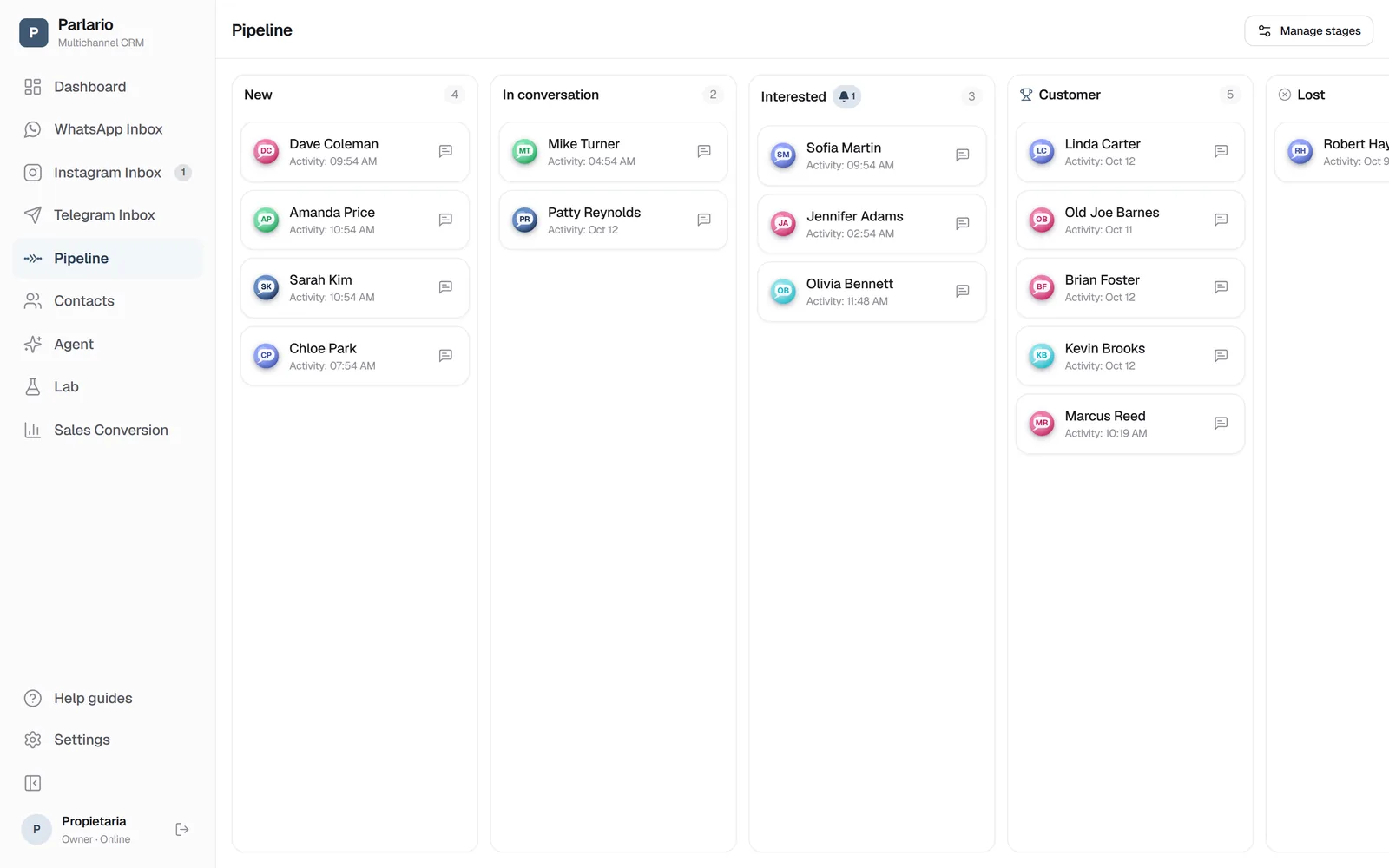
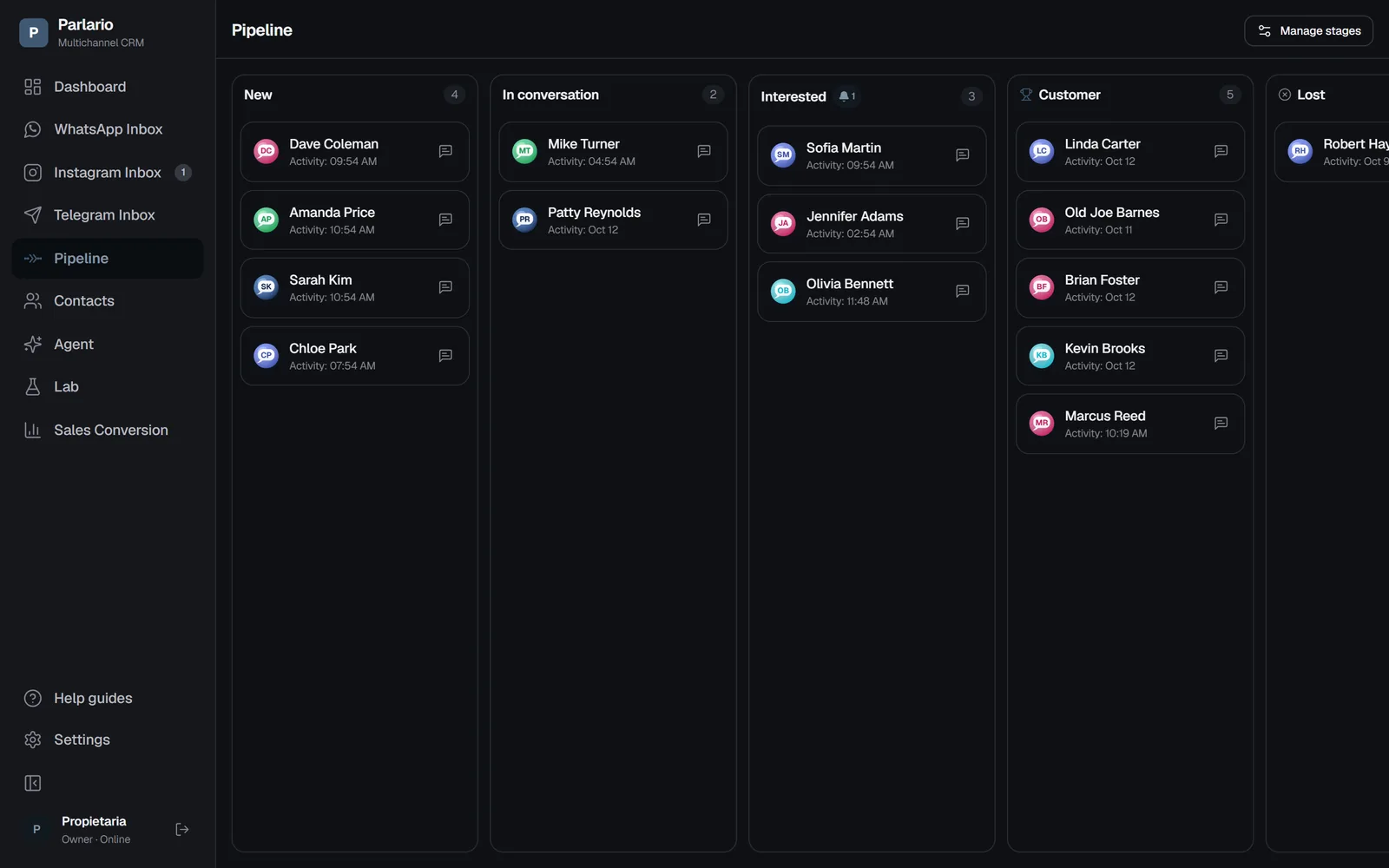
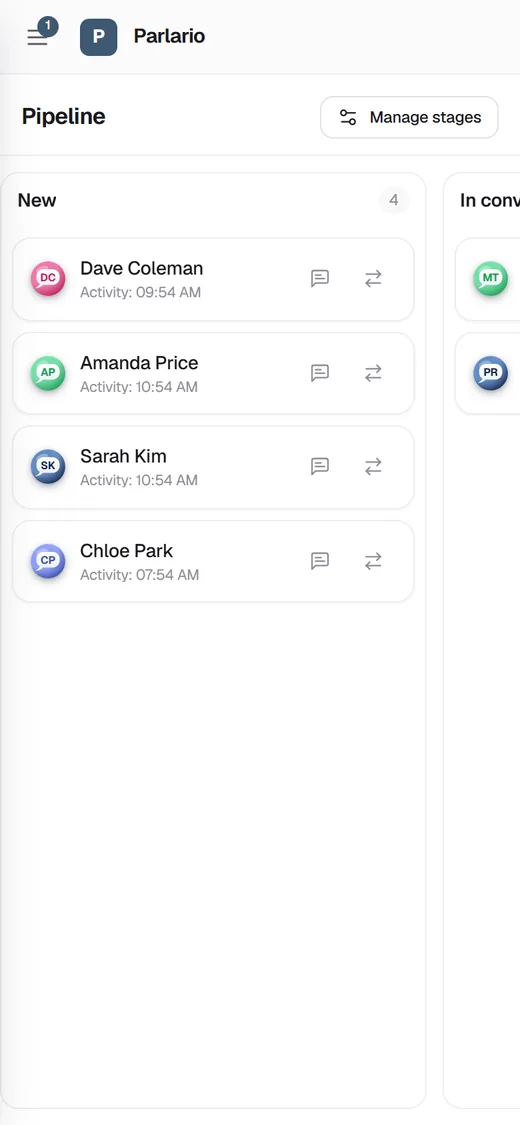
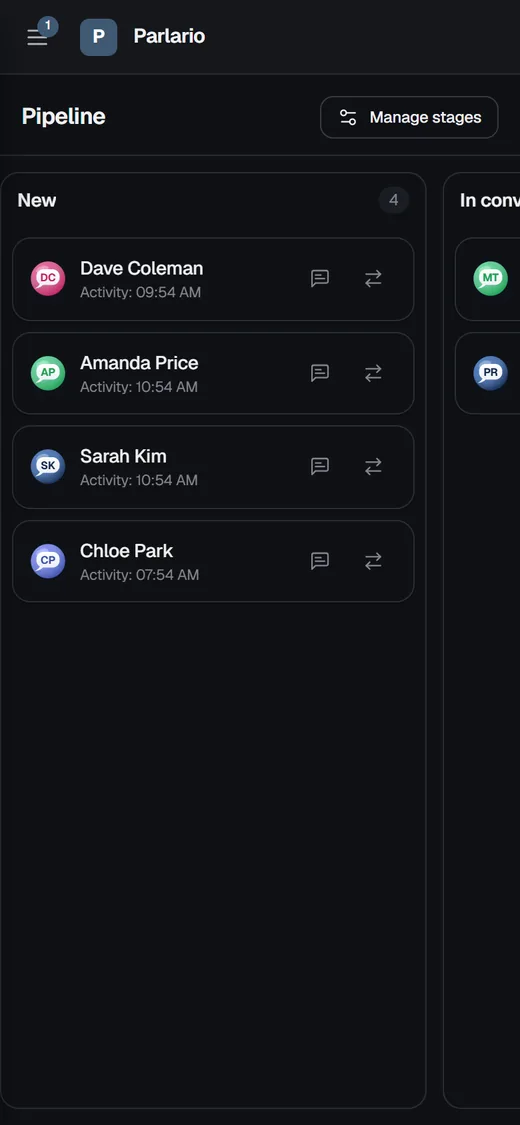
Pipeline kanban: drag contacts between stages as the sale progresses.
Sales Pipeline
Everyone Who Messages You Becomes a Lead, Automatically
Every person who messages you for the first time is added to your pipeline on its own (New → In conversation → Interested → Customer → Lost). Drag cards between stages, add notes, and let the agent move a lead forward on its own when it detects buying intent.
Configurable stages: New → In conversation → Interested → Customer → Lost
A visual kanban board, not a buried spreadsheet
The AI agent can advance a lead itself when it senses buying intent
AI Agent
An Agent That Only Says What Your Business Actually Knows
Configure its name, tone, instructions, and escalation rules, then give it your business knowledge as question-and-answer pairs or free text. It answers only with that — never inventing — and steps aside for a person when the customer asks, when the agent decides to, or when something goes wrong, on WhatsApp, Instagram and Telegram alike. Bring whichever AI provider you prefer — Parlario is compatible with OpenRouter.
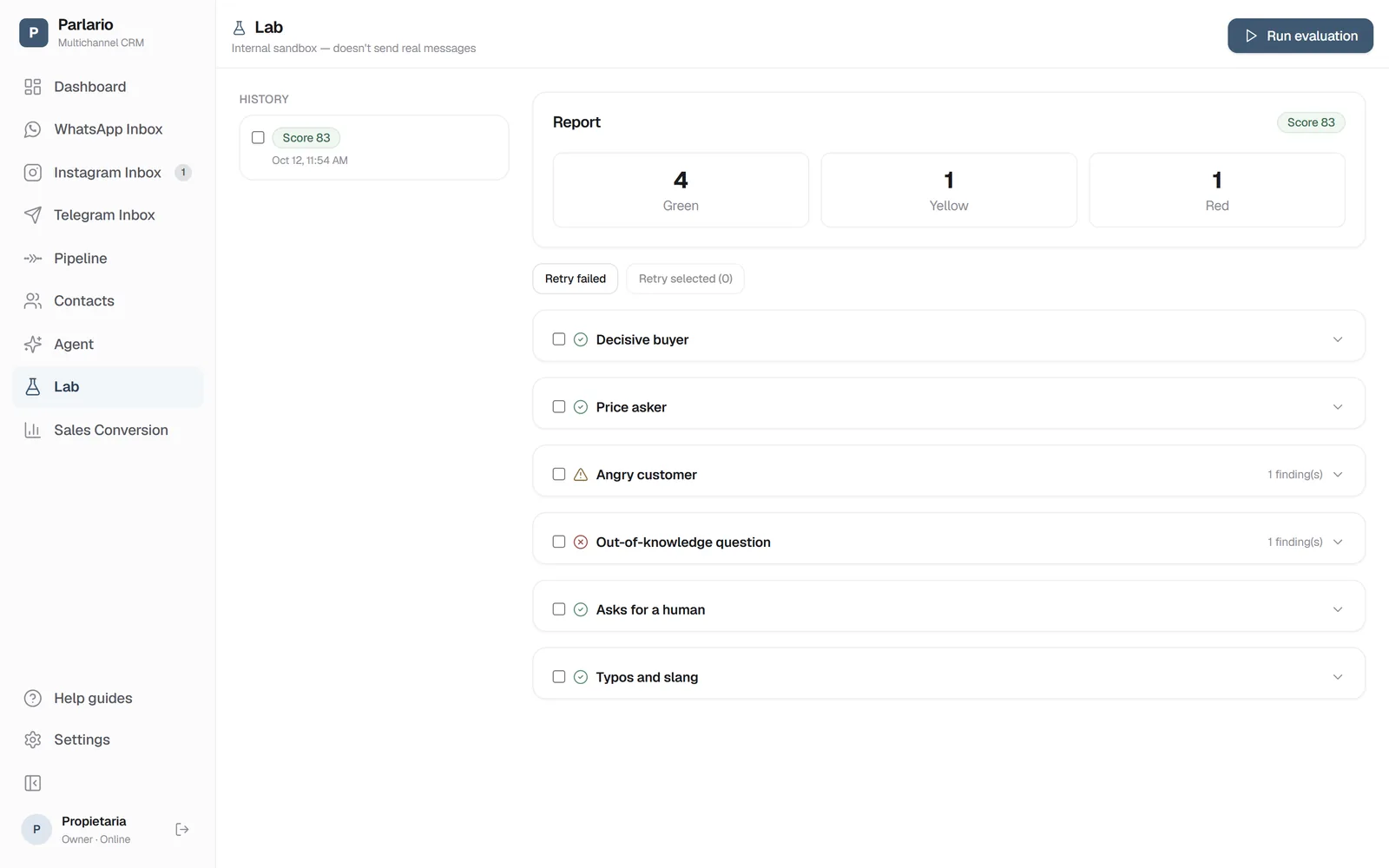
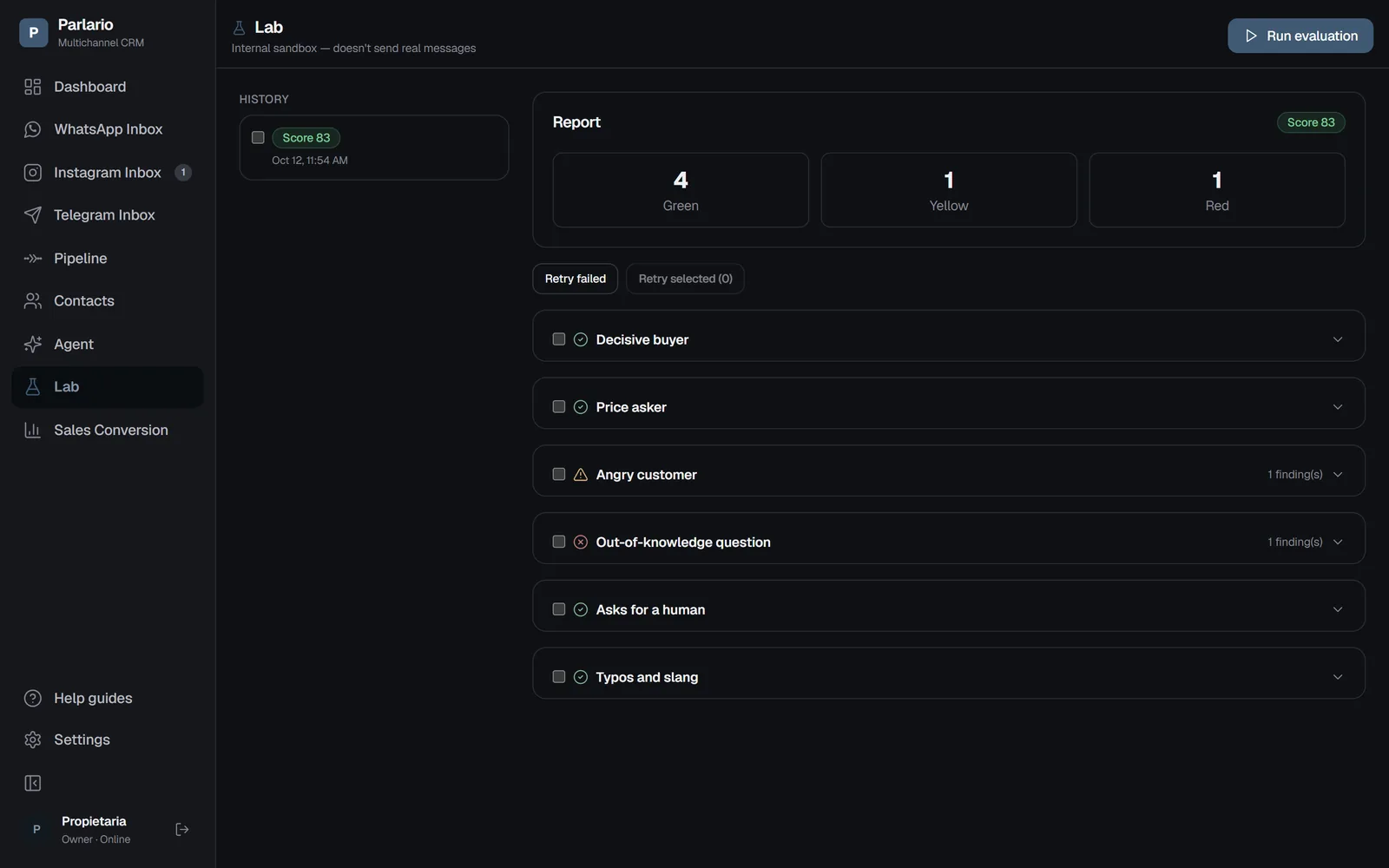
Laboratorio report: 0–100 score and evidence-backed findings per conversation.
What Sets Us Apart
Before It Talks to a Real Customer, Your Agent Faces Six Difficult Customers — Simulated
The decided buyer, the price negotiator, the angry customer, the one who asks exactly what the agent doesn't know, the one who demands a human, and the one who types the way real people actually type. All six talk to your real agent inside an internal sandbox that never sends a real message.
An independent AI judge reviews every conversation and gives you a 0–100 readiness score, findings backed by evidence — hallucinations, knowledge gaps, escalation failures, tone — each with a one-click fix, plus a history to track whether you improved after every change. Most AI CRMs ask you to trust blindly — Parlario lets you measure before you risk a real conversation.
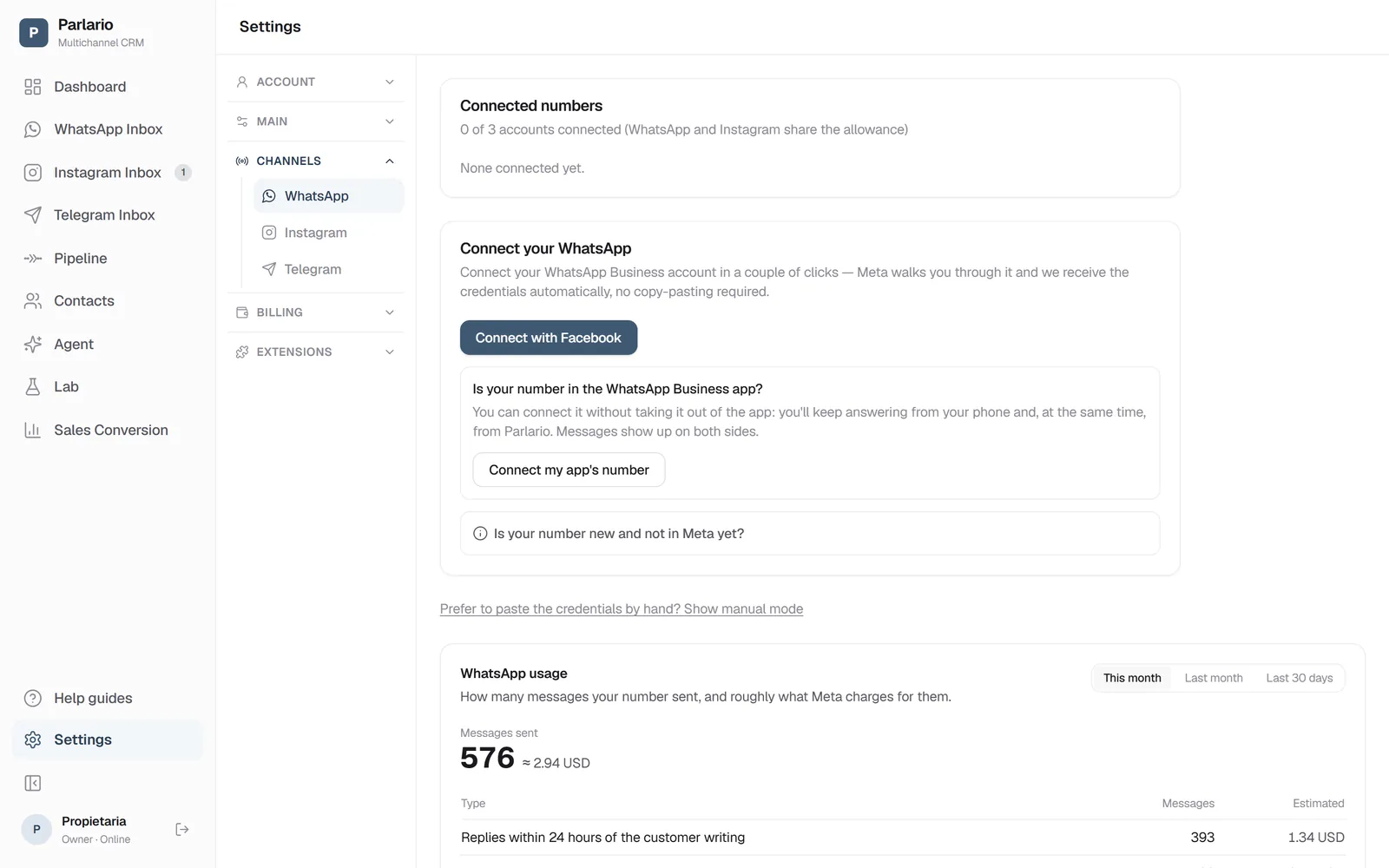
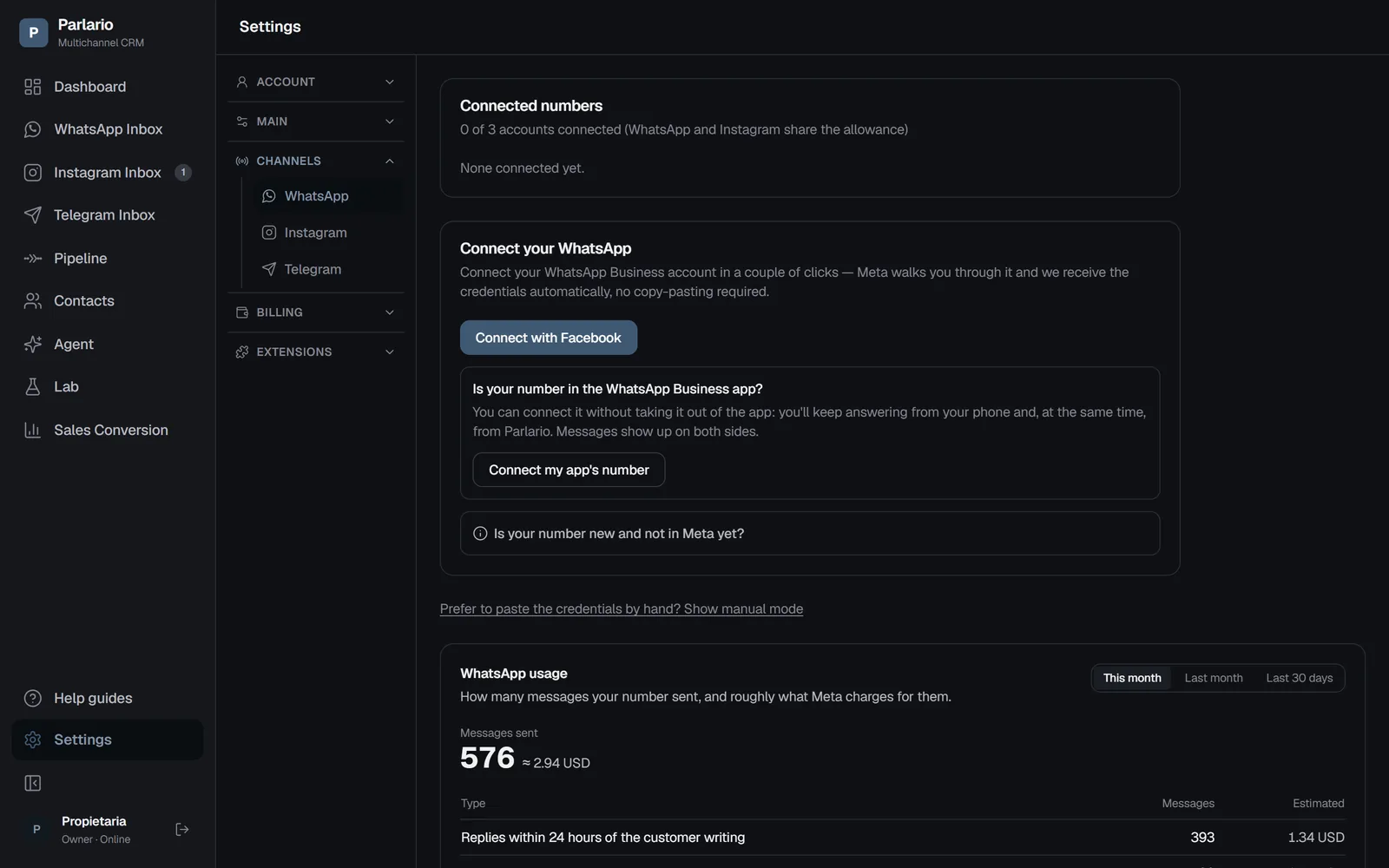
Settings → Channels → WhatsApp: your connected number's status; manual mode stays available as an alternative.
Connect Your Channels
Connect Every Channel in a Few Clicks
With Embedded Signup, you log in with your own Facebook account and connect your WhatsApp Business account in a couple of clicks — built natively into Parlario, no copying or pasting tokens. Already have your own Meta app? Manual mode is still available as an advanced alternative from Settings → Channels → WhatsApp. Instagram connects the same way, from Settings → Channels → Instagram, through Meta's Facebook Login for Business. Already answering from the WhatsApp Business app on your phone? Keep it: connect that same number and reply from the phone or from Parlario, with messages on both sides. Telegram is even simpler: switch it on in Settings → Integrations, create a bot in @BotFather, and paste its token in Settings → Channels → Telegram — no Meta account involved.
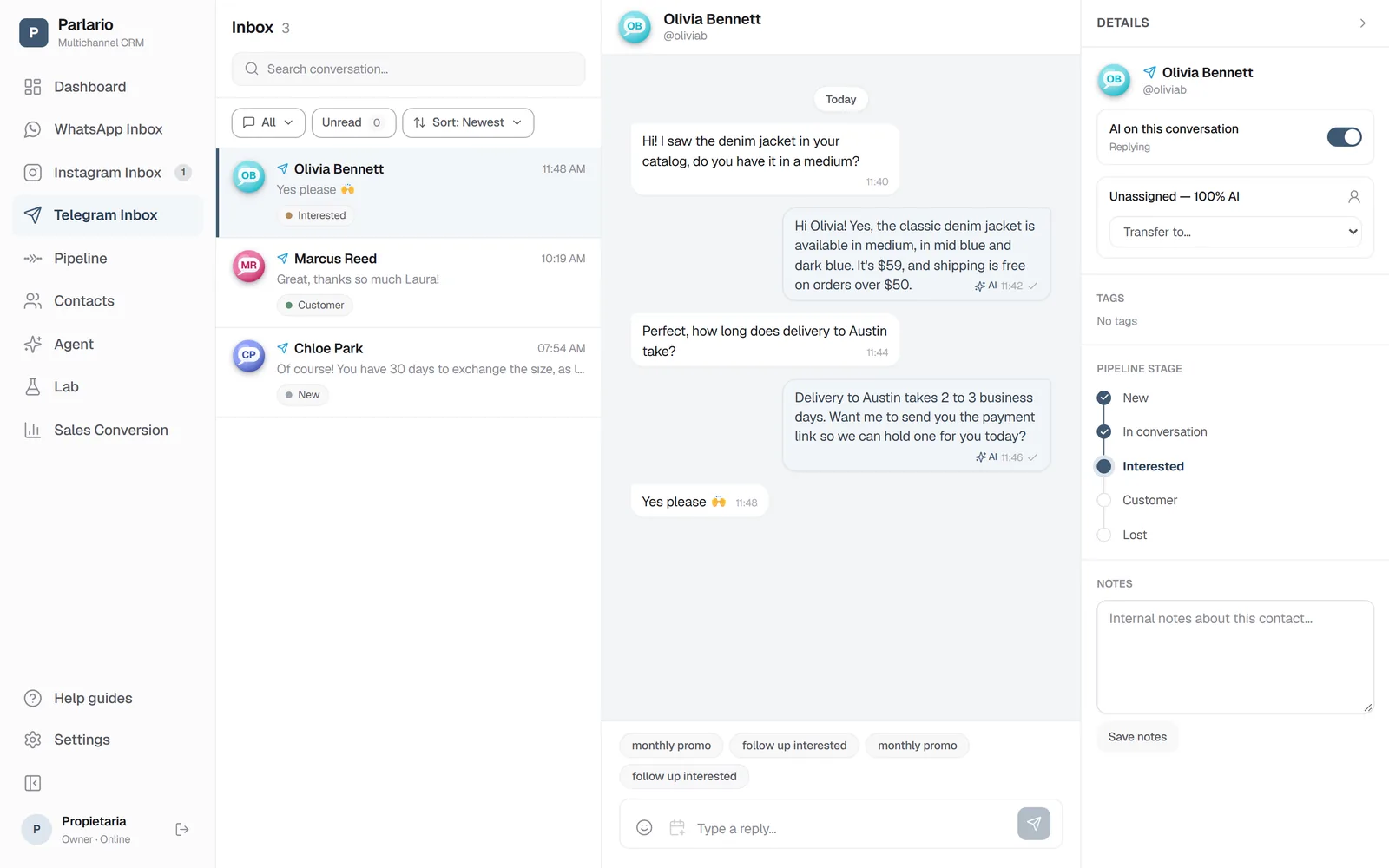
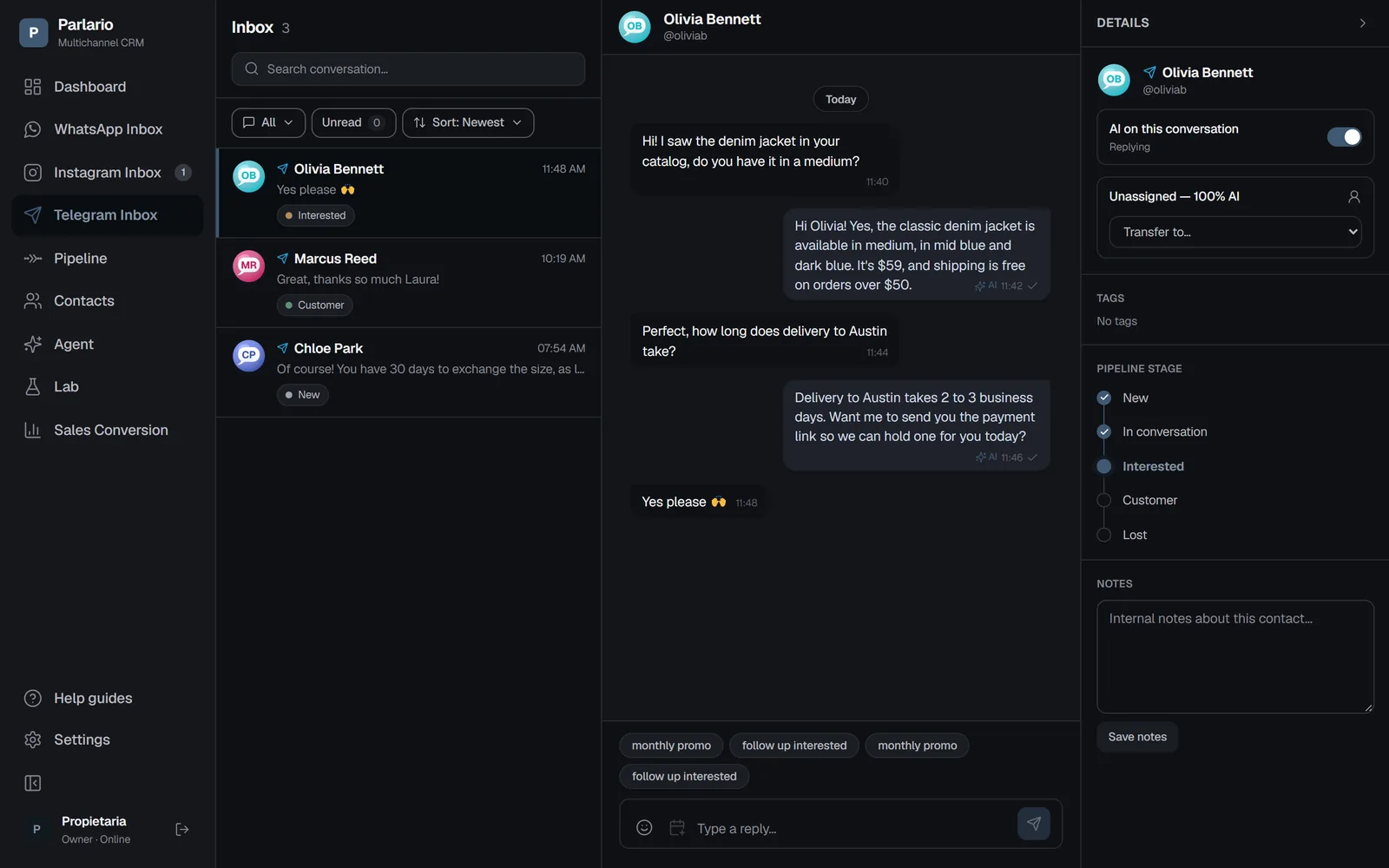
Telegram Inbox: the customer's @username, the AI agent's replies and the pipeline stage.
New: Telegram
Meet Your Customers on Telegram, Too
Switch Telegram on, create a bot in @BotFather and paste its token — that's the whole setup. Your customers' private chats with the bot land in their own Telegram Inbox, answered by the same AI agent, moved through the same pipeline and handled by the same team as WhatsApp and Instagram.
No 24-hour window and no templates: you can always reply
The customer's @username on every conversation
Push alerts when a customer needs a person
Your bot, your token — encrypted at rest, never shown again
Available on every plan, as one of its connected accounts. Private chats only — a bot can't message someone first, and Parlario doesn't manage groups or channels.
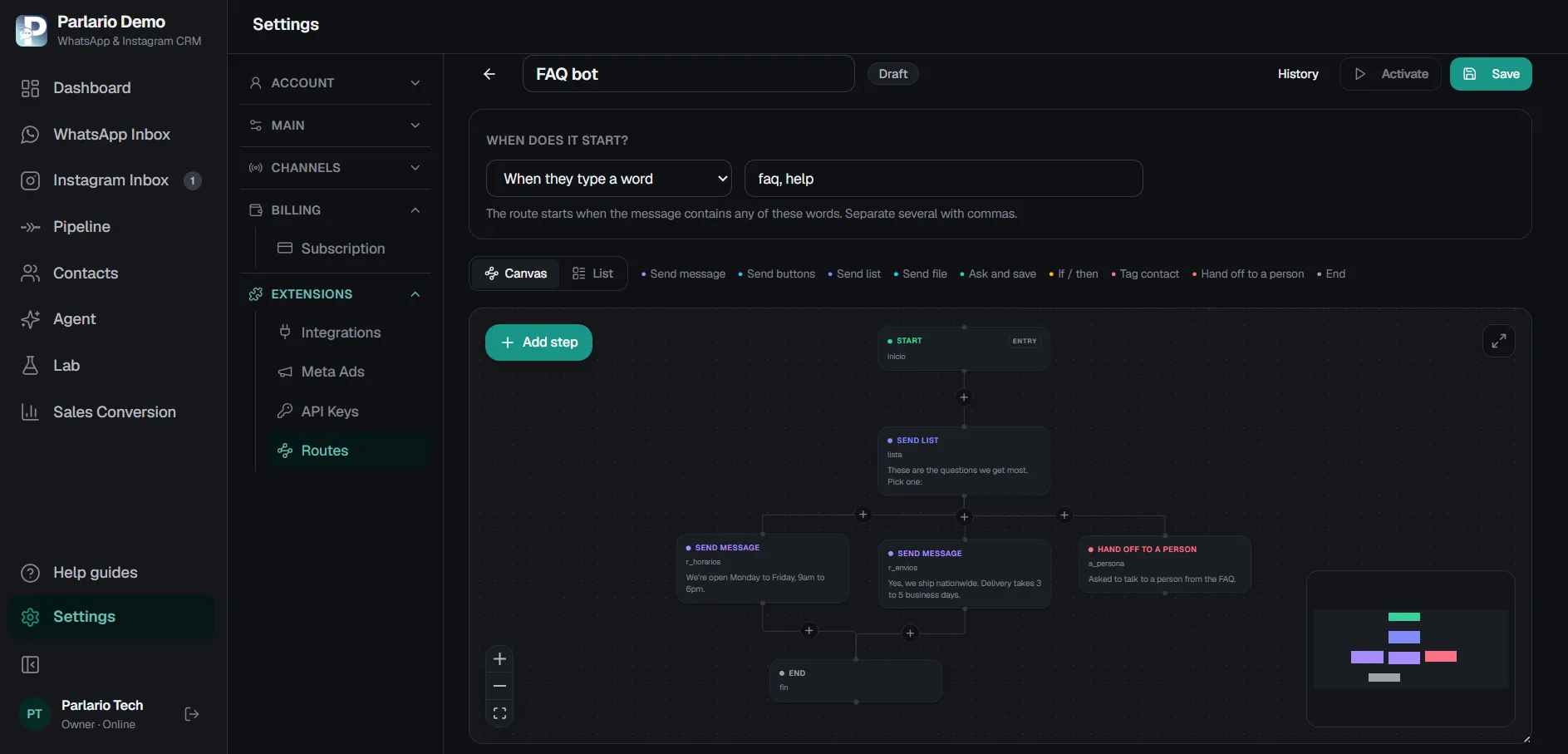
The Routes builder: each step names the one it leads to, and the map draws itself.
Routes — no-code automations
Automate the repetitive, leave the human parts to humans
A menu that splits Sales from Support. The questions you ask every new contact. None of that needs an AI deciding each time — it needs the same answer every time. You build it by dragging steps onto a canvas, and while a Route runs your AI Agent stays quiet.
Starts on a keyword (menu, pricing) or on a new contact's very first message
Real button and list menus on WhatsApp and Telegram — customers tap, they don't type “1”
Sends files: your PDF catalogue, a price list, a photo
Asks and stores answers — an email, an order number — and reuses them in later messages
Branches on what they answered, a tag they carry, or the ad they came from
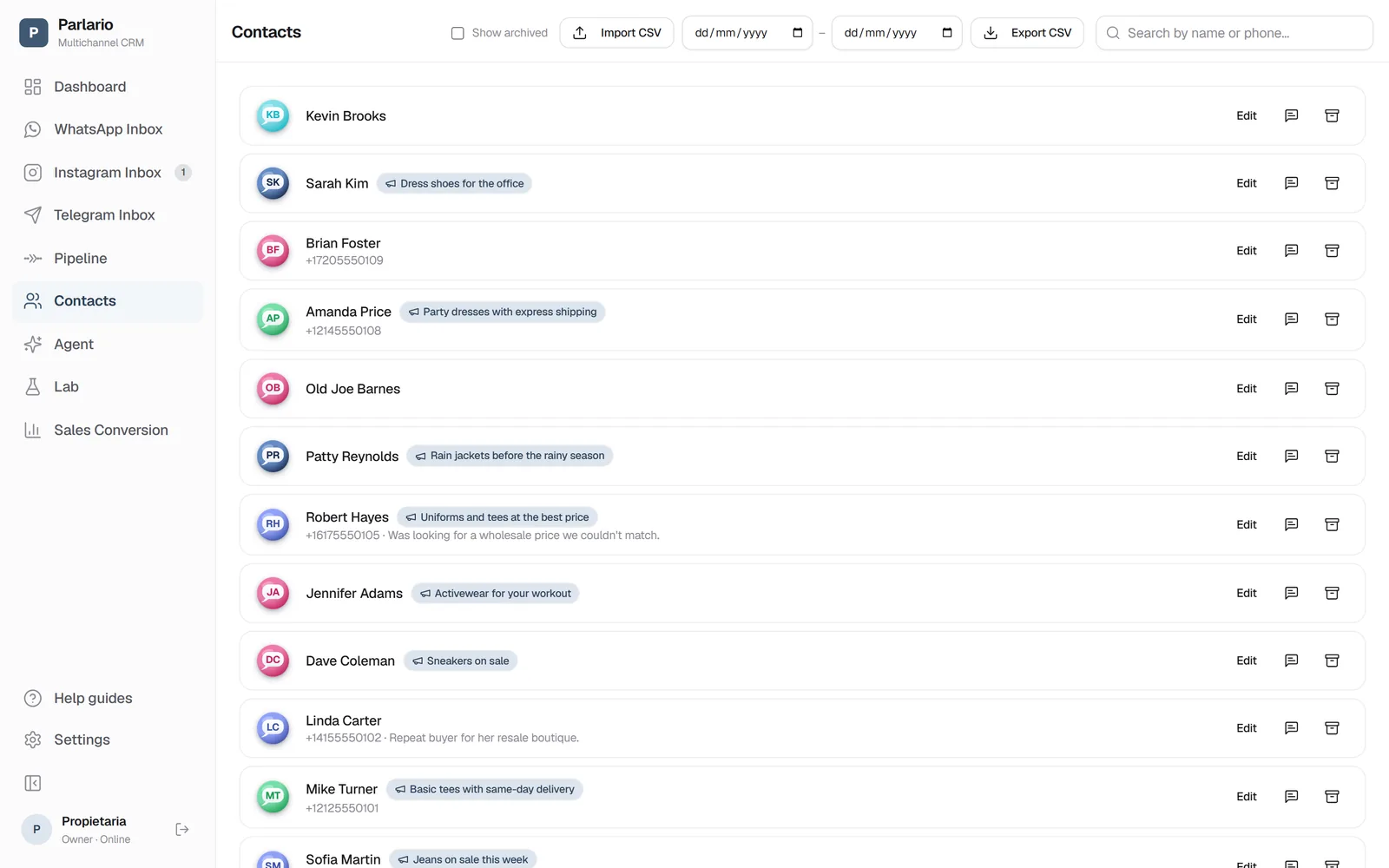
Tags contacts on its own — WhatsApp and Telegram alike — so you can find them again in Contacts
Hands off to someone on your team when needed — telling the customer first
Per-run history: who went through, where they are now and how it ended
Available on the Business and Advanced plans, on WhatsApp and Telegram.
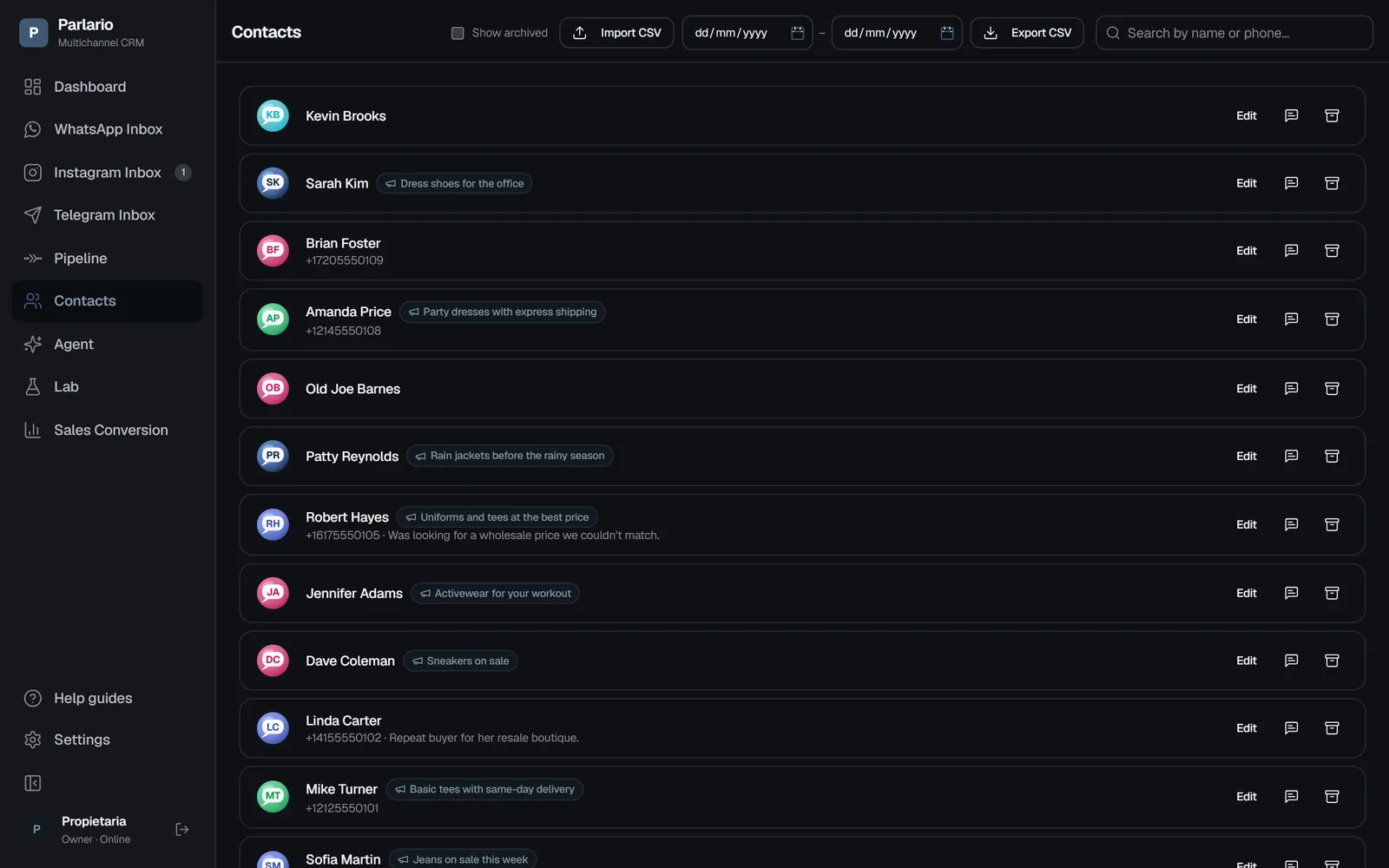
Every contact is tagged with the Meta Ads campaign they came from.
Meta Ads Attribution
Know Exactly Which Ad Turned Into a Customer
When someone taps a “Click to WhatsApp” ad, Parlario tags their conversation with the ad it came from — a small badge shows up right in the Inbox and on their Contact record, so your team always knows which campaign started the conversation.
Automatic tagging on first contact — no manual setup per lead
Visible in both the Inbox and the Contacts list
Works with any “Click to WhatsApp” campaign
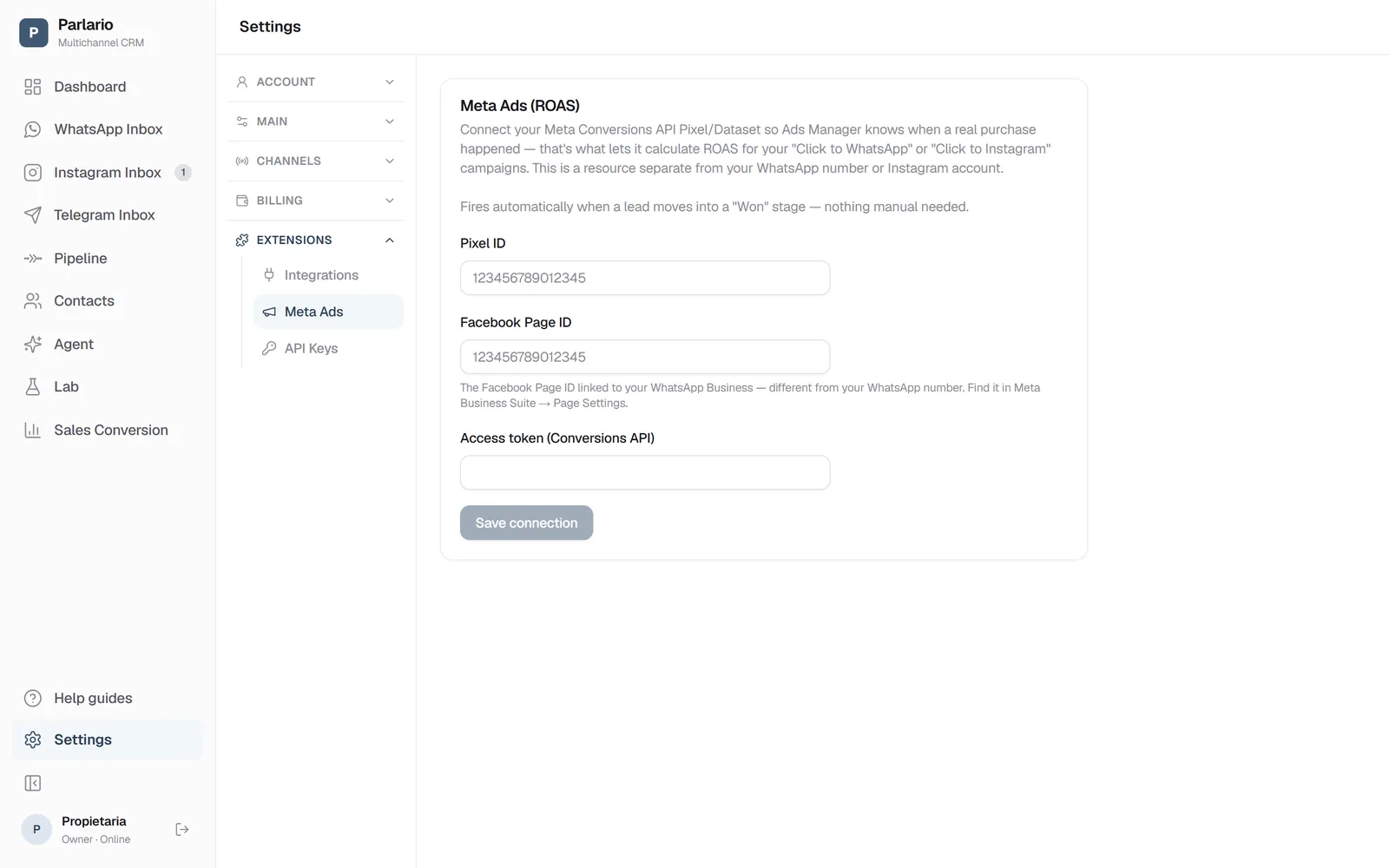
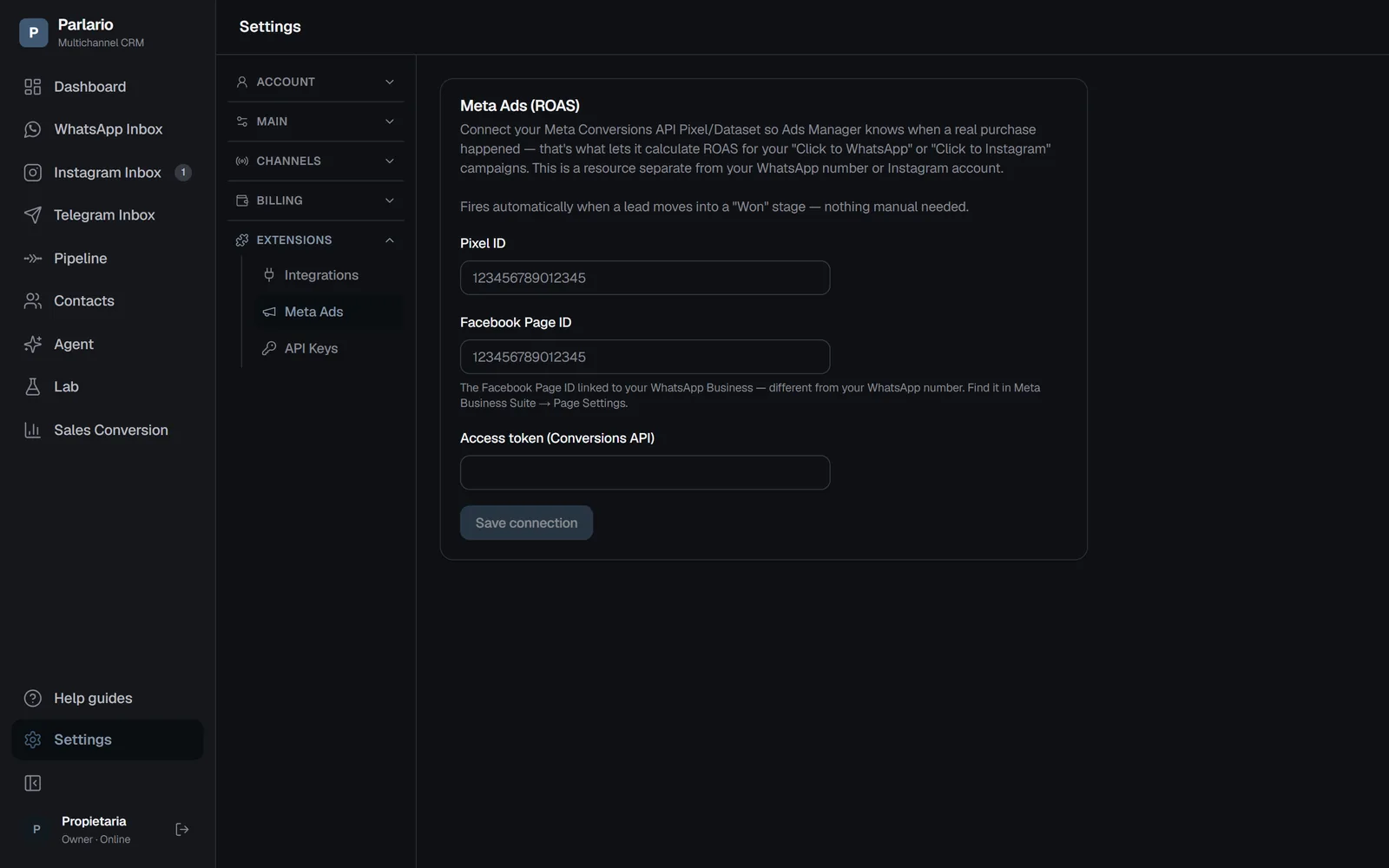
Settings → Meta Ads: connect your Pixel and Conversions API token.
Meta Ads (ROAS)
Report Real Purchases Back to Meta — Automatically
Connect your own Meta Conversions API Pixel and access token from Settings → Meta Ads, and Parlario reports a purchase event the moment a lead moves into a “Won” pipeline stage — no manual event tracking, no separate integration to maintain. That's what lets Ads Manager calculate real ROAS for your WhatsApp campaigns.
Fires automatically when a lead reaches a “Won” stage
Uses your own Pixel ID and Conversions API token, encrypted at rest
A resource separate from your WhatsApp number — no extra Meta setup required beyond it
Pipeline Reminders
Automatic Follow-Ups, Right on the Stage a Lead Is Stuck In
Configure up to 3 automatic template reminders per pipeline stage — the stage itself is the campaign. If a lead sits in “Interested” too long, Parlario nudges it forward with an approved WhatsApp template, so no lead goes cold just because no one remembered to follow up.
Teams & Templates
Built for Teams, Not Just One Inbox
Bring your whole team into Parlario with multi-user access, and reply faster with approved WhatsApp message templates ready for common replies and follow-ups.
Why Parlario
Built the Way We Build Every AI System
Parlario is built by Bridgeware Technologies, and it follows the same principle behind every AI system we ship: human oversight and provable safety before automation touches a real customer. Laboratorio isn't a marketing feature bolted on afterward — it's a direct application of the AI Ethics Charter we hold ourselves to on every project.
Parlario is also available as a custom single-tenant application, deployed on your own infrastructure — for businesses with specific data isolation, compliance, or control requirements.