

Knowledge base
What you'll learn
- The two kinds of entries you can add
- How to import or export questions and answers as CSV or Excel
Go to Agent → Knowledge base
Right below Behavior. It's your agent's only source of truth — it won't claim anything that isn't here.
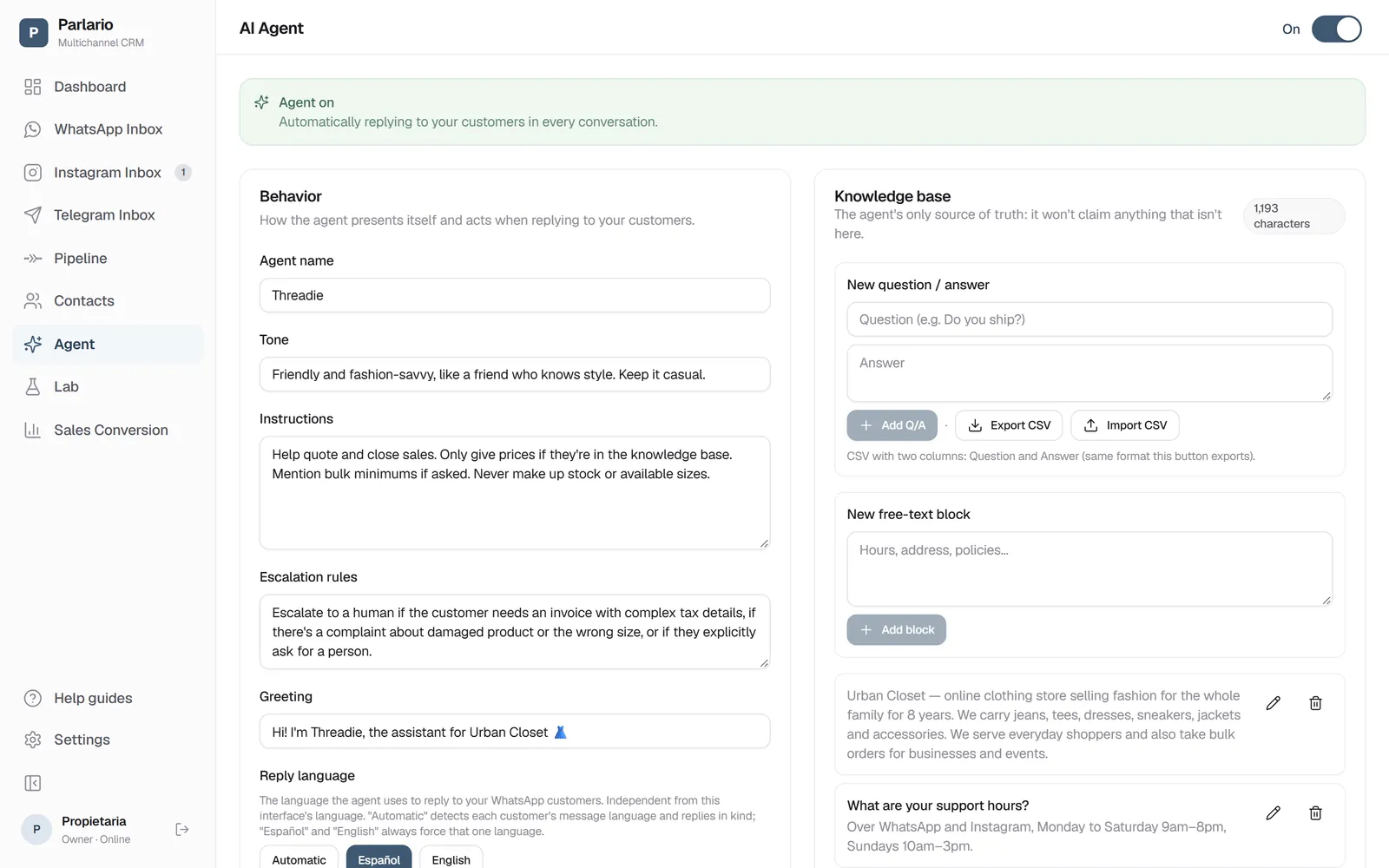
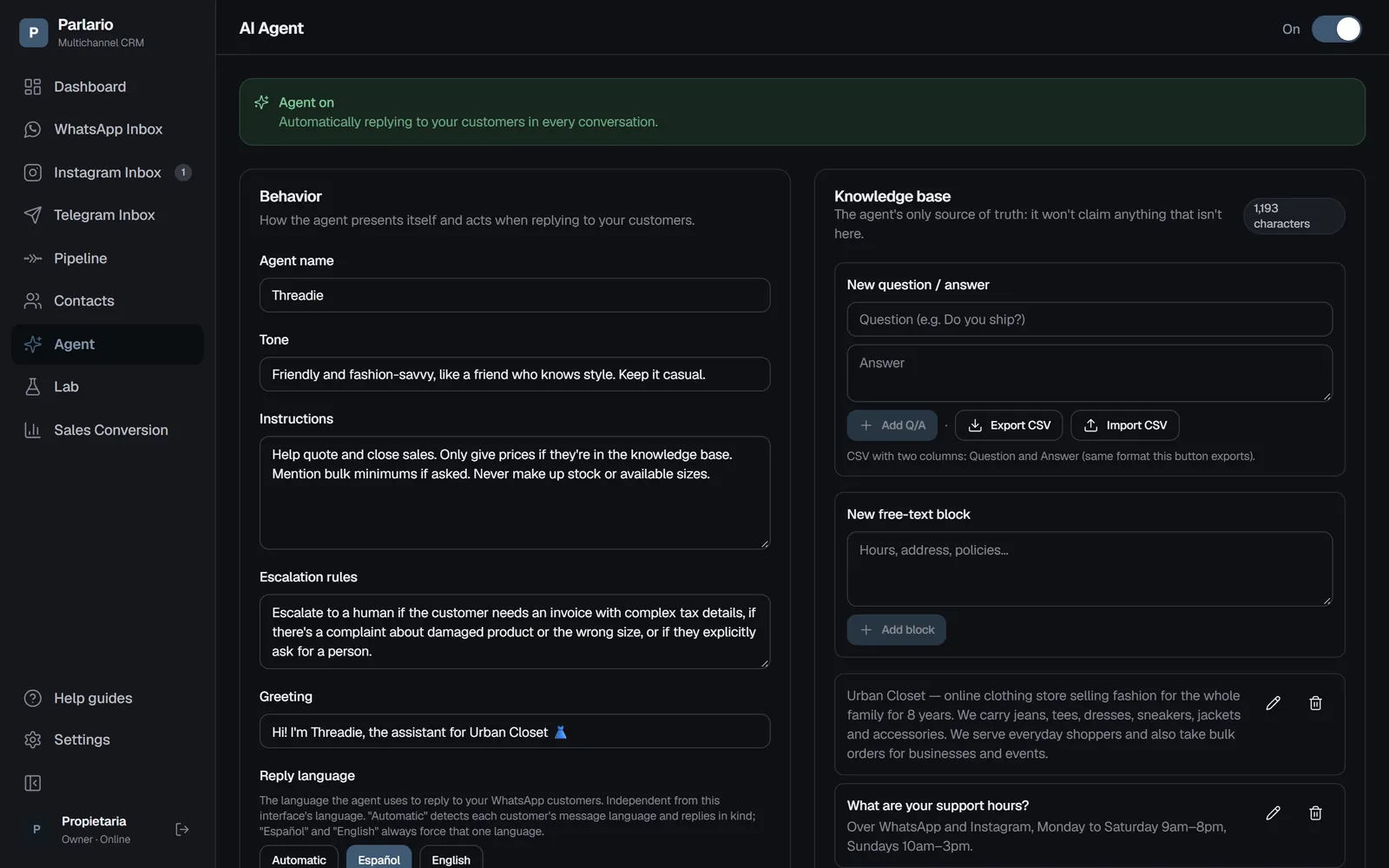
Agent → Knowledge base, on the right of the page Choose the entry type
Questions and answers: specific pairs, like "What are your hours?" → "Monday to Friday, 9 to 6." Free-text blocks: more general information (location, policies, price list).
Add or edit entries
Use "Add Q/A" or "New free-text block." You can edit any existing entry without deleting and recreating it.
Import or export as CSV or Excel (optional)
If you already have questions and answers laid out in a spreadsheet, use "Import CSV or Excel" to load many at once — two columns, Question and Answer; from an Excel file (.xlsx), the first sheet is read. Each row is validated the same as adding one by hand, and it tells you how many were added versus skipped instead of cancelling the whole file over one error. "Export CSV" or "Export Excel" download all your Q/A entries, also handy as a backup. If you'll edit them in Excel, prefer the Excel format: answers with bullets that start with "-" open correctly.
Links become buttons
If an answer has a link — your app, your store, a Google Maps location — write it in full, with https://. When the agent shares it on WhatsApp or Telegram, the message goes out with a button that opens it (“App Store”, “See location”, or the name the agent gives it). For safety, a button is only built from a link that appears exactly as written in your knowledge base or in the agent's configuration (Instructions, Escalation rules, Greeting): the agent can't send anyone to a site you didn't add. On Instagram the link goes as tappable text.
Recap
- The agent only knows what you've entered here — it has no internet access
- The entire knowledge base is sent to the model on every turn — you'll see a warning if your base grows large
- CSV or Excel import/export covers only Q/A entries, not free-text blocks, and caps at 1000 rows and 5 MB per import
- Setting up the agent doesn't turn it on for live replies — test it in the Lab first
To unmark the lesson, select the button again.
Questions? Visit our support portal: support.parlario.co