

Customize your branding
What you'll learn
- How to replace Parlario's name and logo with your own business's
- How to choose your accent color
Go to Settings → Branding
This step is optional but recommended: it gives your team (and the login screen) your own business identity instead of Parlario's.
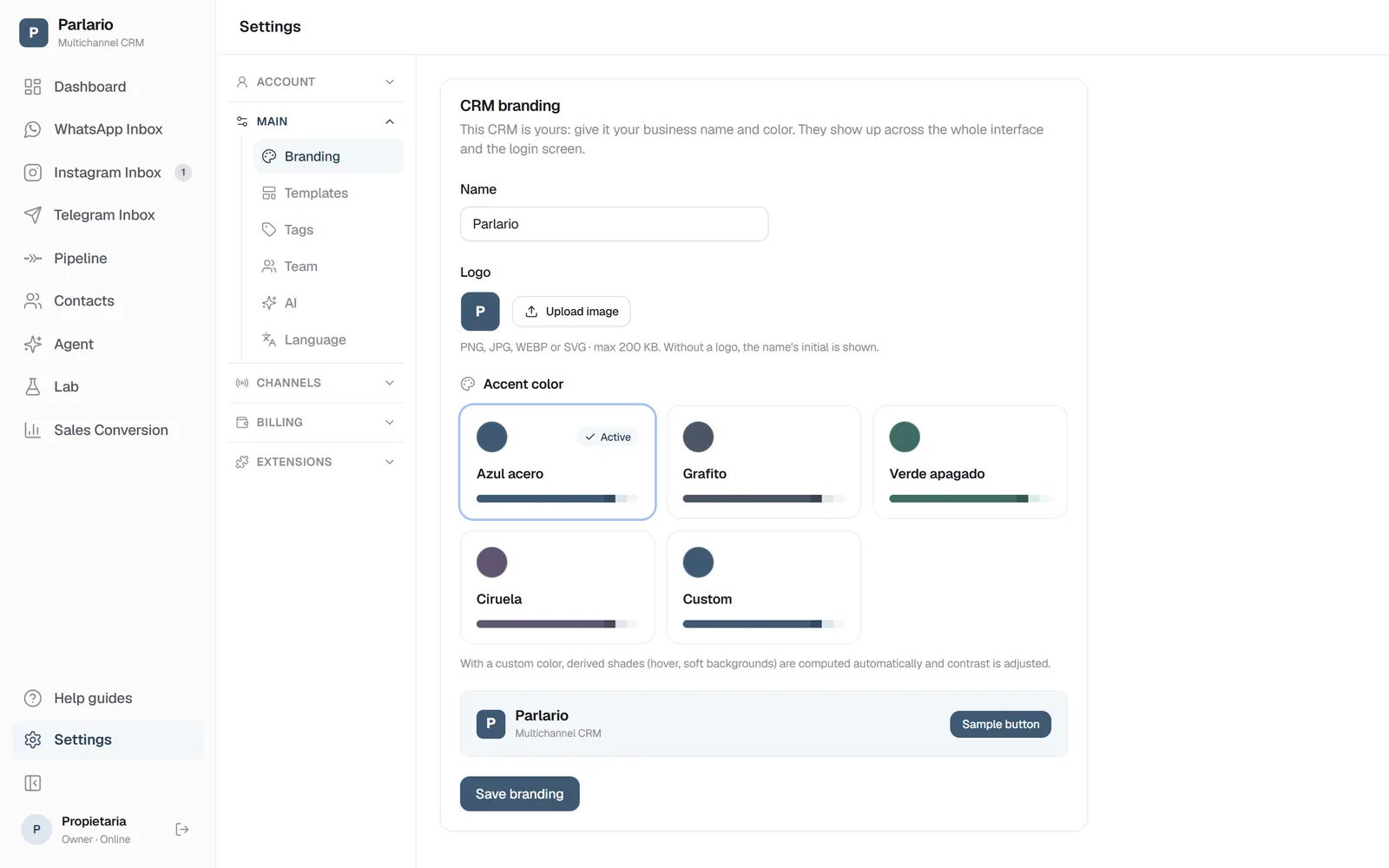
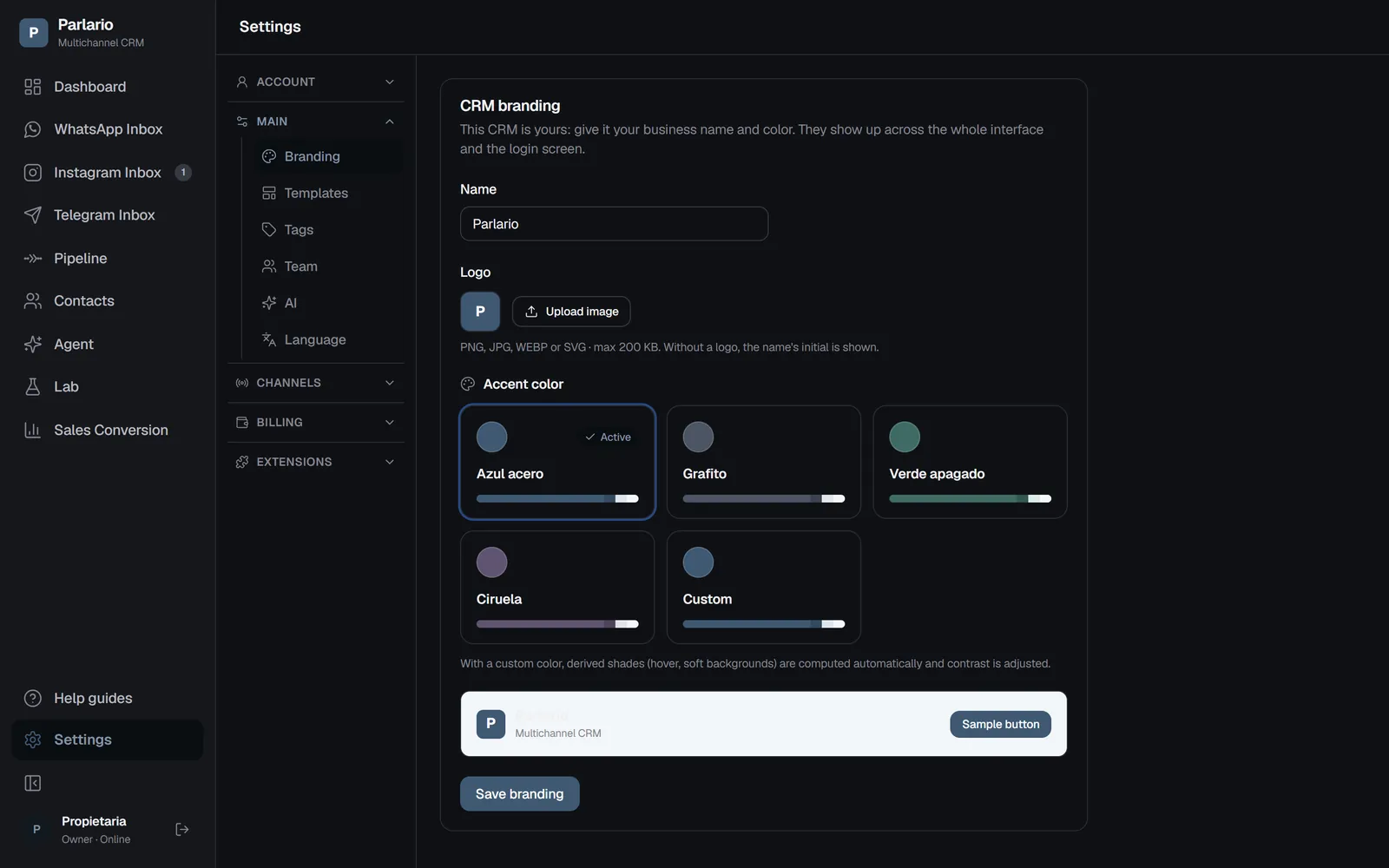
Settings → Branding Enter your business name
It appears throughout the interface.
Upload your logo
PNG, JPG, WEBP or SVG, max 200 KB. If you don't upload one, your name's initial is shown in a colored circle instead.
Choose your accent color
Derived shades (for example, a button's hover color) are computed automatically.
Save
Click "Save branding."
Recap
- The logo has a 200 KB size limit — if your file is larger, compress it before uploading
- This branding is visual only: it doesn't change your business's legal name in any document or with Meta
To unmark the lesson, select the button again.
Questions? Visit our support portal: support.parlario.co