

Automatic reminders
What you'll learn
- How to set up to 3 automatic reminders per stage
- What cancels them, and how they show up in the Inbox
You can set up to 3 automatic reminders that Parlario sends on its own, using WhatsApp templates, when a lead enters a specific Pipeline stage — for example, to follow up with someone who became "sales qualified" but hasn't replied yet.
While a contact has pending reminders, you'll see a "Reminders active" 🔔 label on their conversation and on their details panel, so your team can keep an eye on those cases.
That wraps up the tour of Parlario's core features — you now know how to configure your Agent, work your day-to-day in the Inbox and Pipeline, and get the most out of your Meta ads. The last lesson covers which new integrations are on the way.
Prep: you need an approved template
At least one template already approved by Meta — approval can take hours or days, so it's worth preparing ahead of time.
Go to Pipeline → Manage stages
Click the bell icon 🔔 next to the stage you want to turn into a reminder trigger. A stage with active reminders stands out at a glance: the bell shows up colored, with a number.
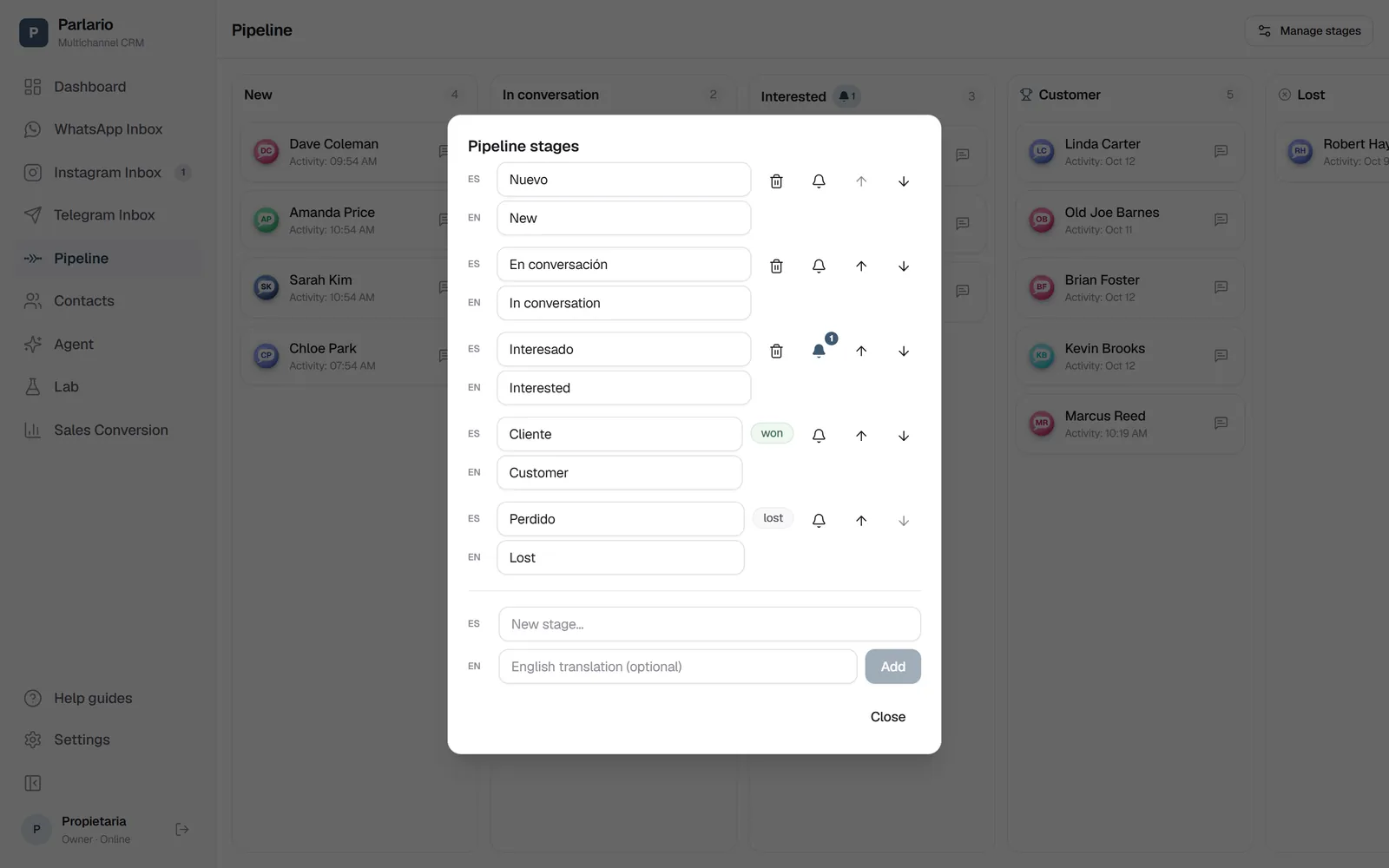
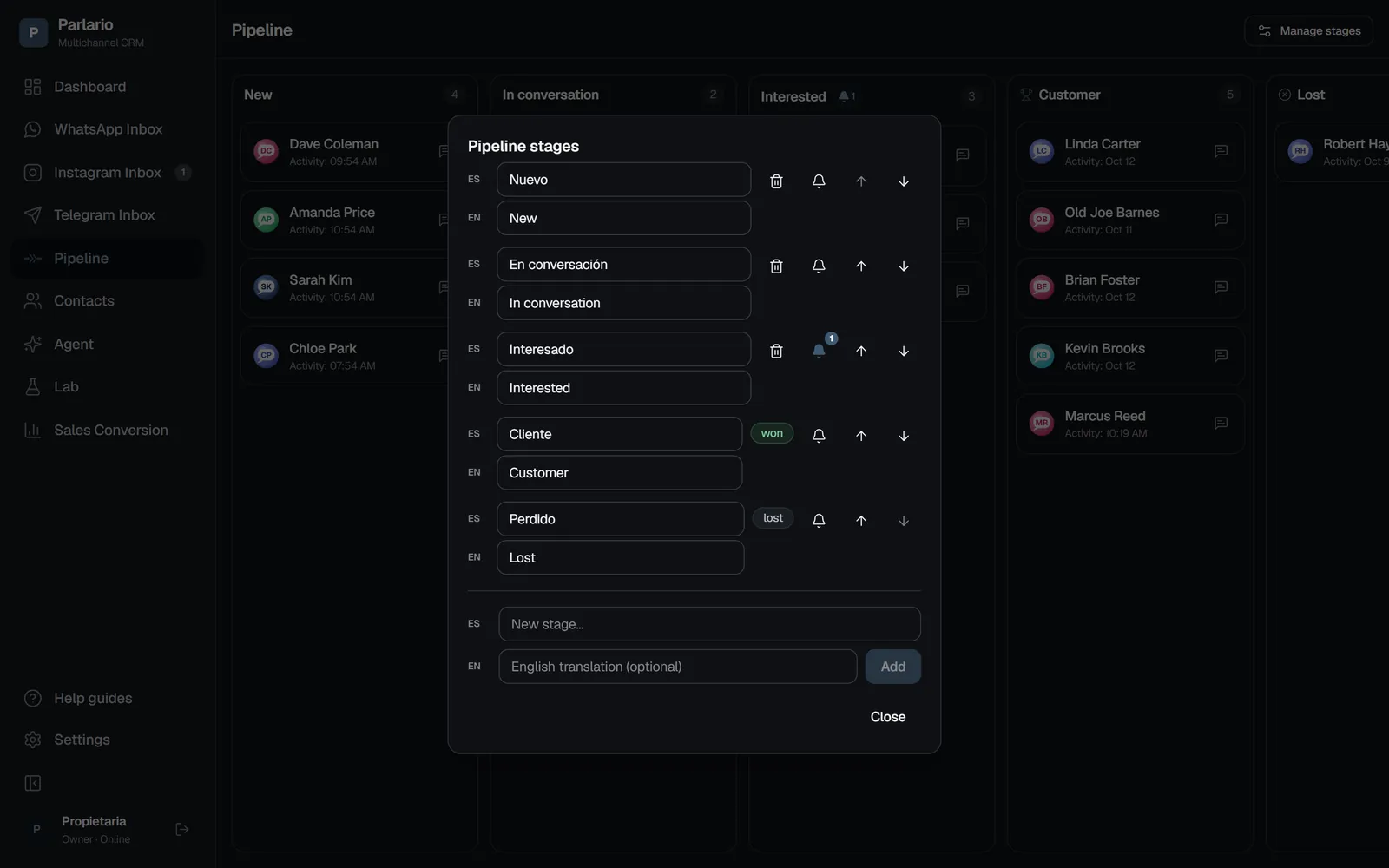
Pipeline → Manage stages Turn on up to 3 reminders
For each one, choose how long after entering the stage it gets sent (in hours or days), and which approved template to use. Click "Save."
With several numbers
If you connected more than one WhatsApp number, the reminder goes out from the number of the contact's most recent WhatsApp conversation, and the template has to exist in that number's WhatsApp Business account. The full details are in Several numbers and accounts.
Recap
- Each Pipeline stage is its own reminder campaign — create separate stages for separate campaigns
- It only fires when a lead enters the stage, whether the AI Agent moved it or you did
- If the lead leaves the stage early, or the customer replies before a specific reminder is due, that reminder gets cancelled
- Manually sending templates still works the same — this is an addition, not a replacement
- If Meta pauses the template for low quality, the reminder isn't lost: it waits for the pause to end and goes out afterwards. If Meta disables it, the reminder is canceled — pick another template for the stage (see When a template stops delivering)
- A fixed maximum of 3 reminders per stage, available on the Business and Advanced plans
To unmark the lesson, select the button again.
Questions? Visit our support portal: support.parlario.co