

Your subscription and billing
What you'll learn
- Where to see your plan, renewal and invoices
- What counts as a Monthly Active Contact and what doesn't
Everything about plans and payments lives in Settings → Subscription, and only the owner can manage it. Billing is handled by Stripe: we never see or store your card details.
Settings → Subscription
At the top you see the status (active, free trial, past due or canceled), how much you pay, how often, and how many days until it renews. During the trial it tells you the end date and that billing is automatic.
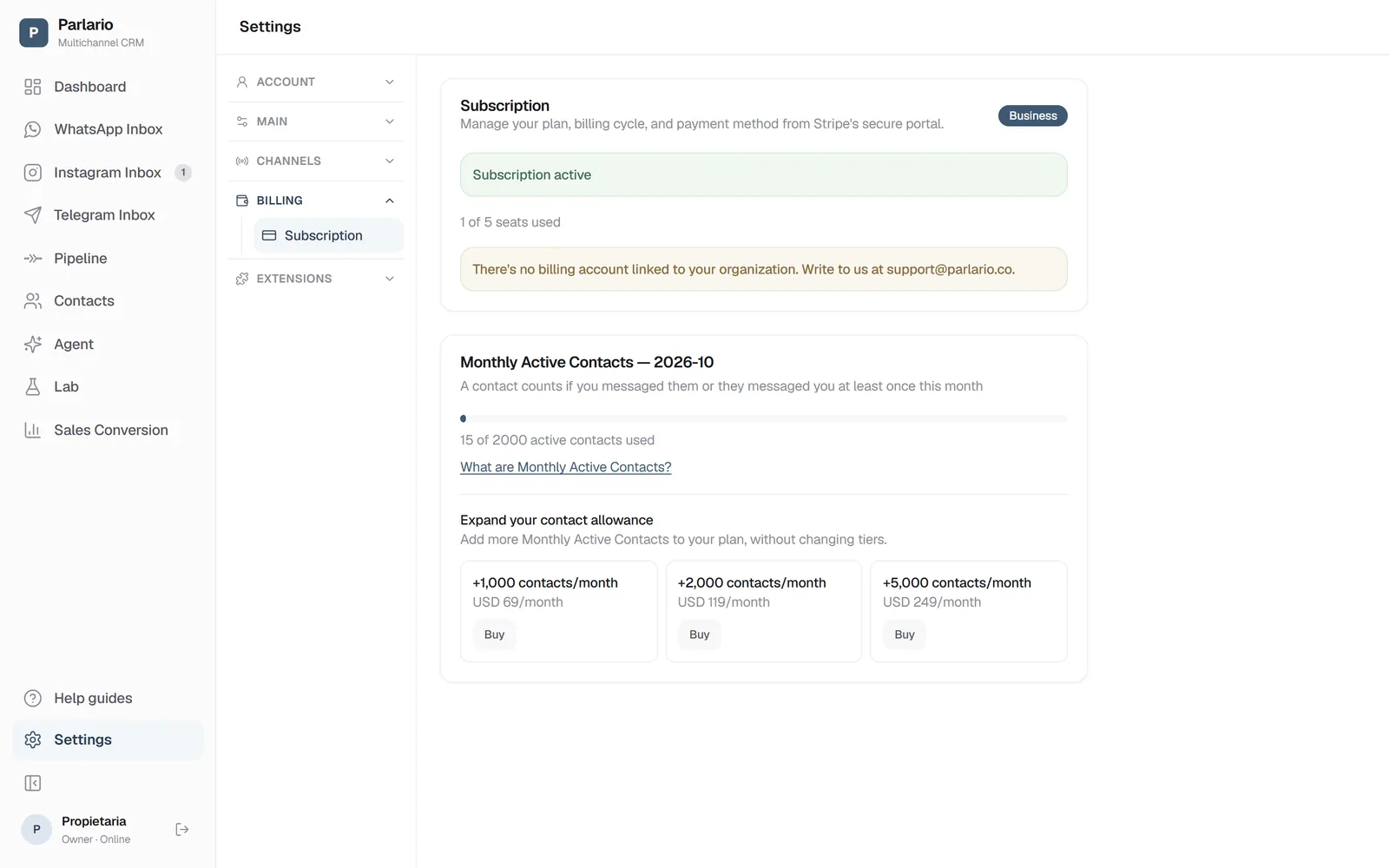
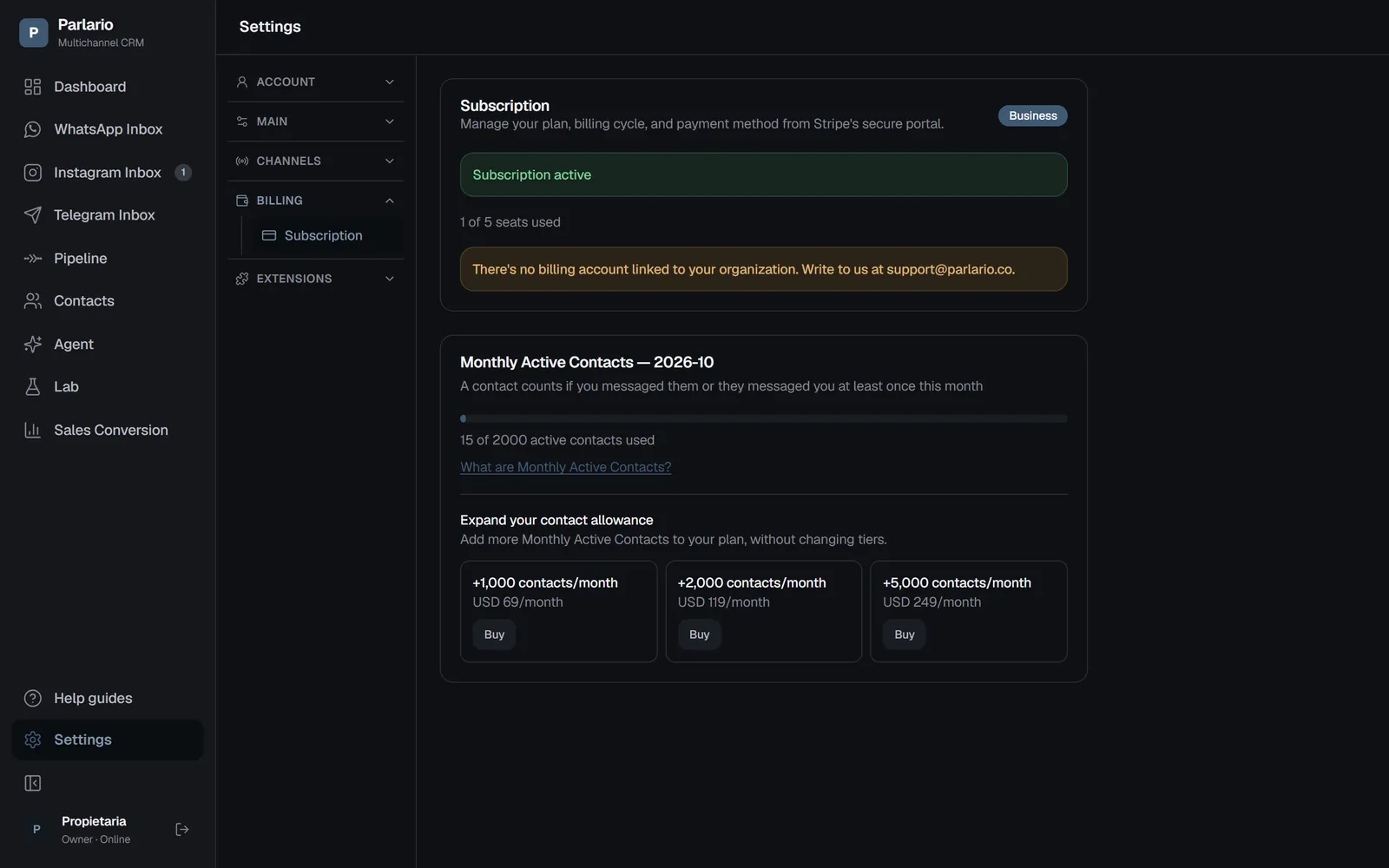
Settings → Subscription Manage subscription
That button opens Stripe's secure portal, where you change the payment method, download invoices or switch plans. It's a Stripe screen, not ours — which is why your card never passes through Parlario.
Seats
How many people your plan allows and how many you've used. Seats are managed in Settings → Team; here you only see the limit.
Monthly Active Contacts
This is the unit your usage is measured in. A contact counts once in the month if you wrote to them or they wrote to you at least once — no matter how many messages went back and forth. Every month starts from zero again.
If a payment fails
The status becomes past due and a notice appears in the app. Update the payment method from the same manage button. If it isn't resolved, the account is suspended — nothing is deleted, but the team can't get in until it's sorted.
Connected accounts: WhatsApp, Instagram and Telegram
Your plan also sets how many WhatsApp numbers, Instagram accounts and Telegram bots you can connect: Essential, one of each (1 WhatsApp number, 1 Instagram account and 1 Telegram bot); Business, 3 in total; Advanced, 5 in total. On Business and Advanced, WhatsApp, Instagram and Telegram share the allowance: each number, Instagram account and Telegram bot takes one slot, split however you like.
If you move to a plan with fewer slots than you're using, you have 7 days to choose which to keep; if you don't choose, the oldest ones stay. No contacts or conversations are lost. The full details are in Several numbers and accounts.
Recap
- Only the owner manages the subscription
- Your card details are handled by Stripe, never Parlario
- A contact counts once a month, however many messages are exchanged
To unmark the lesson, select the button again.
Questions? Visit our support portal: support.parlario.co